Blog
SketchUp rendering guides
From choosing a render engine to the best settings, from architectural presentation to free rendering: articles for better images from SketchUp.
Step-by-step tutorial series
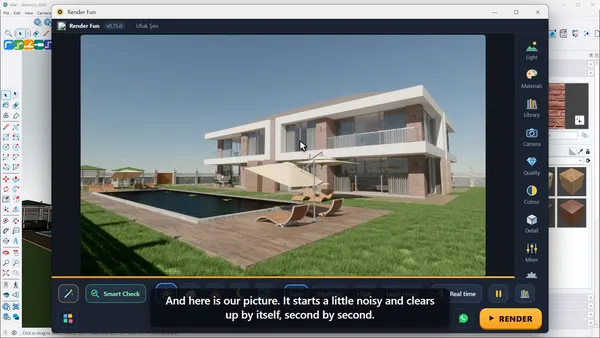
Render Fun Tutorial 1: Install the Plugin and Make Your First Render in SketchUp
How to install Render Fun in SketchUp and make your first render: open the render window, pick the weather and quality, press RENDER and save. Step-by-step lesson 1 of 10.
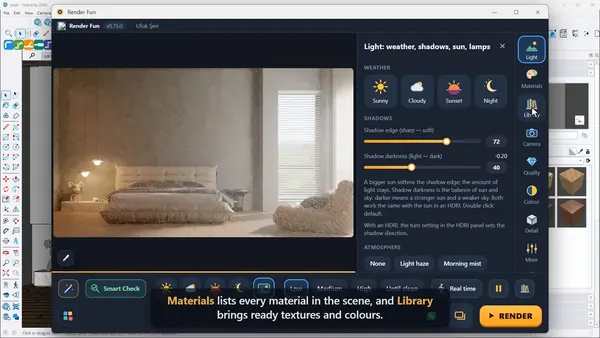
Render Fun Tutorial 2: A Tour of the Interface, What Is Where and How to Use It
A tour of the Render Fun interface: the live picture, the nine side panels, the action bar, Ready scene, Smart Check, Real time, Pause and the keyboard shortcuts. Lesson 2 of 10.
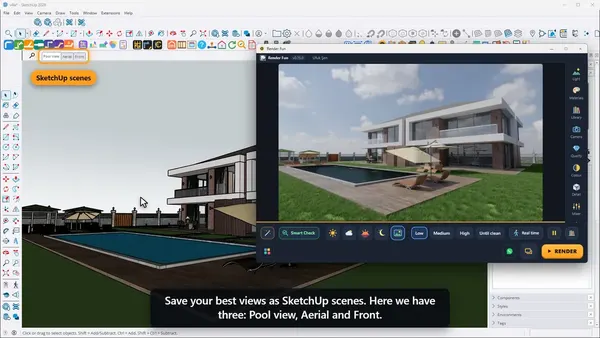
Render Fun Tutorial 3: Camera, Framing and Composition for Better SketchUp Renders
Frame your SketchUp render like a photographer: scenes, field of view, aspect ratio and size, rule of thirds, straight verticals and depth of field in Render Fun. Lesson 3 of 10.
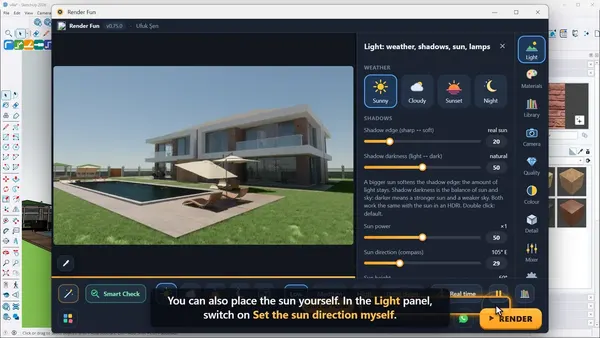
Render Fun Tutorial 4: Lighting a SketchUp Render With the Sun, the Sky and HDRI
Light your SketchUp render: weather buttons, the sun from SketchUp’s shadow settings or by hand, sun power, shadow softness, 10 built-in HDRIs and your own HDR files. Lesson 4 of 10.
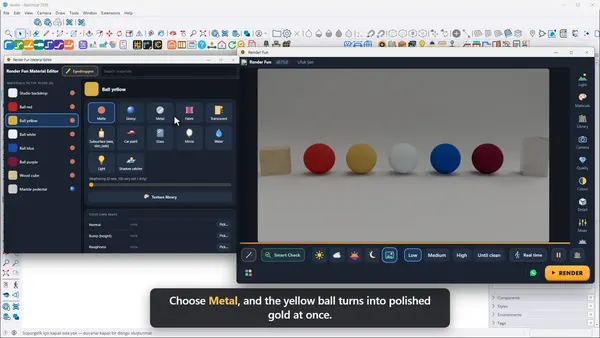
Render Fun Tutorial 5: Materials in SketchUp Renders, From Metal and Glass to Fabric
Turn plain SketchUp colours into metal, glass, lacquer, car paint and fabric: the Material Editor, material kinds, roughness, texture relief, the eyedropper and the texture library. Lesson 5 of 10.
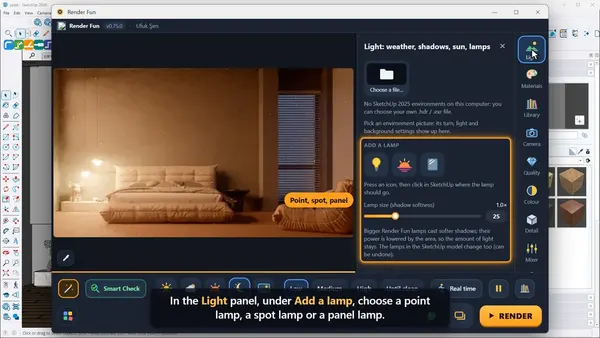
Render Fun Tutorial 6: Lamps, Night Interiors and the Light Mixer
Light a SketchUp interior at night: point, spot and panel lamps, power, beam and colour, glowing materials, IES light distribution and the light mixer that works after the render. Lesson 6 of 10.
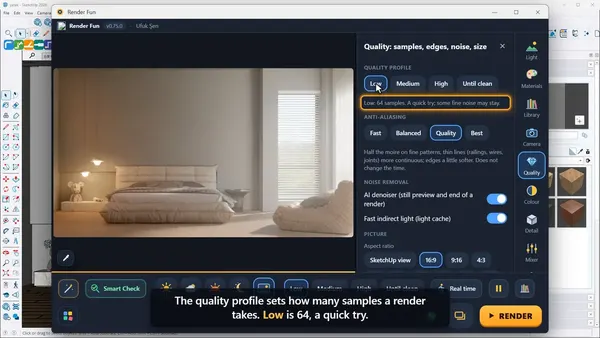
Render Fun Tutorial 7: Clean Renders, Quality Levels, the AI Denoiser and Resolution
Get clean, sharp SketchUp renders: Low, Medium, High and Until clean, the AI denoiser, fast indirect light, anti-aliasing, picture size and region render. Lesson 7 of 10.
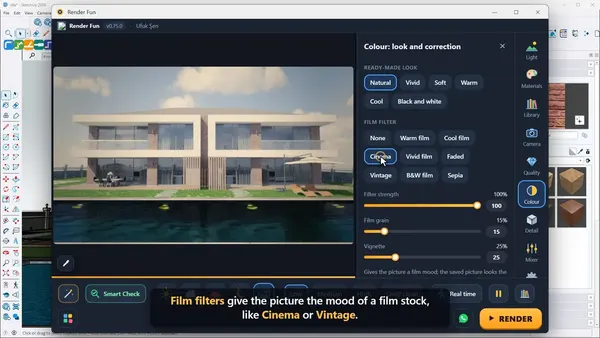
Render Fun Tutorial 8: Colour, Detail and the Final Look of a SketchUp Render
Give your render its final look without re-rendering: ready-made looks, film filters, AgX colour management, exposure, white balance, ambient occlusion, edge accent and clay mode. Lesson 8 of 10.
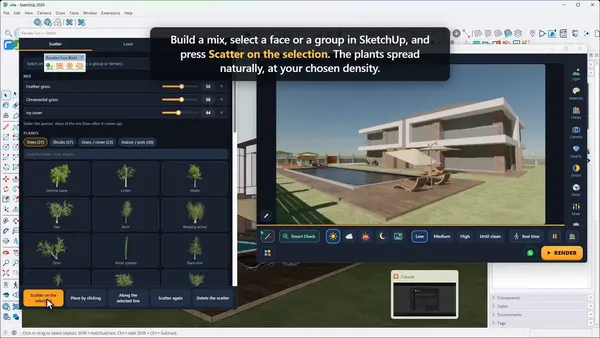
Render Fun Tutorial 9: Exterior Scenes With Plants, Water and Atmosphere
Bring a SketchUp exterior to life: scatter more than a hundred plant species, lawn and keep-out areas, pool, sea and lake water, haze, mist and light beams. Lesson 9 of 10.
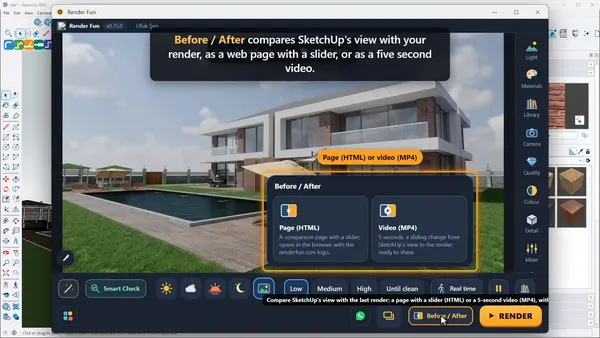
Render Fun Tutorial 10: Final Output, 360° Tours, Animation and a Professional Workflow
Turn renders into deliverables: Before / After pages and videos, 360° panoramas, an HTML panorama tour, animation, transparent PNGs, render masks, saved settings and a pro workflow. Lesson 10 of 10.
Guides
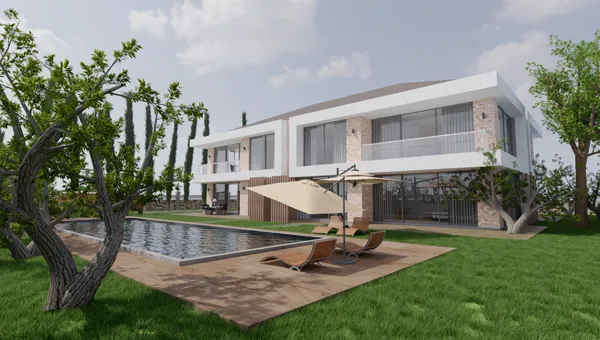
The Best Render Engine for SketchUp: How to Choose the Right One in 2026
Which is the best render engine for SketchUp? Inside SketchUp or a separate app, real-time or path traced, free or subscription: V-Ray, Enscape, Lumion, D5, Twinmotion and Render Fun compared.
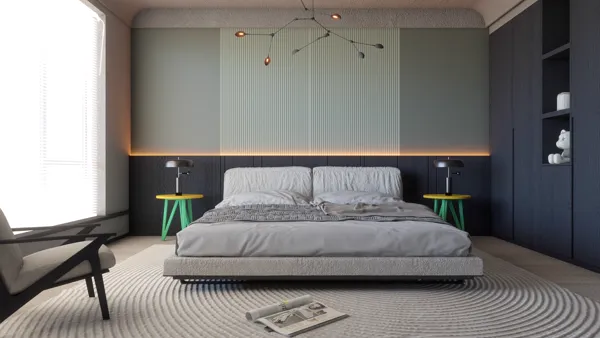
The Best Free Render Engine for SketchUp: Render Fun, With No Limits on Commercial Work
Looking for a free render engine for SketchUp? Render Fun renders inside SketchUp with real light, an AI denoiser and ready scenes, free for personal and commercial work with no account.
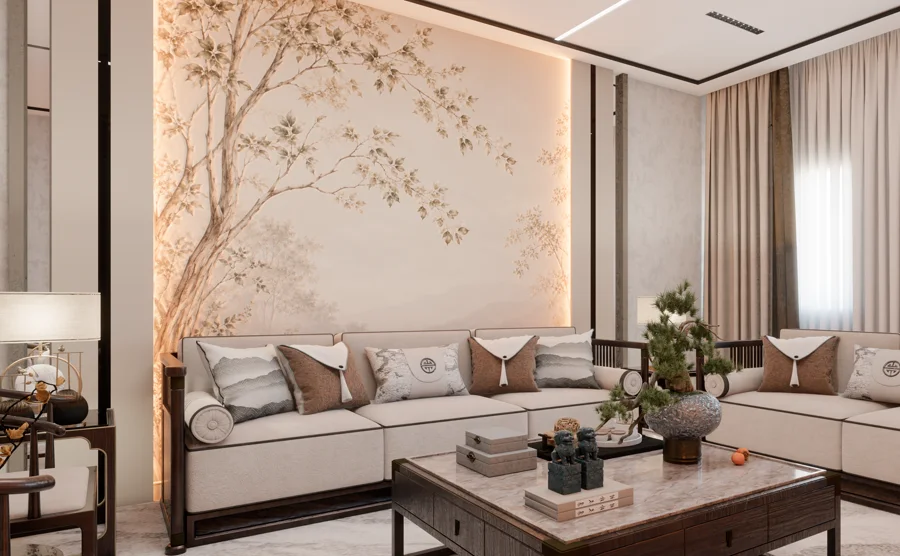
Render Fun Use Cases: What You Can Render in SketchUp, From Interiors to 360° Tours
What can you do with Render Fun? Interior and exterior renders, landscape with plants and water, 360° panoramas and tours, animation, Before / After videos and clay renders, all inside SketchUp.
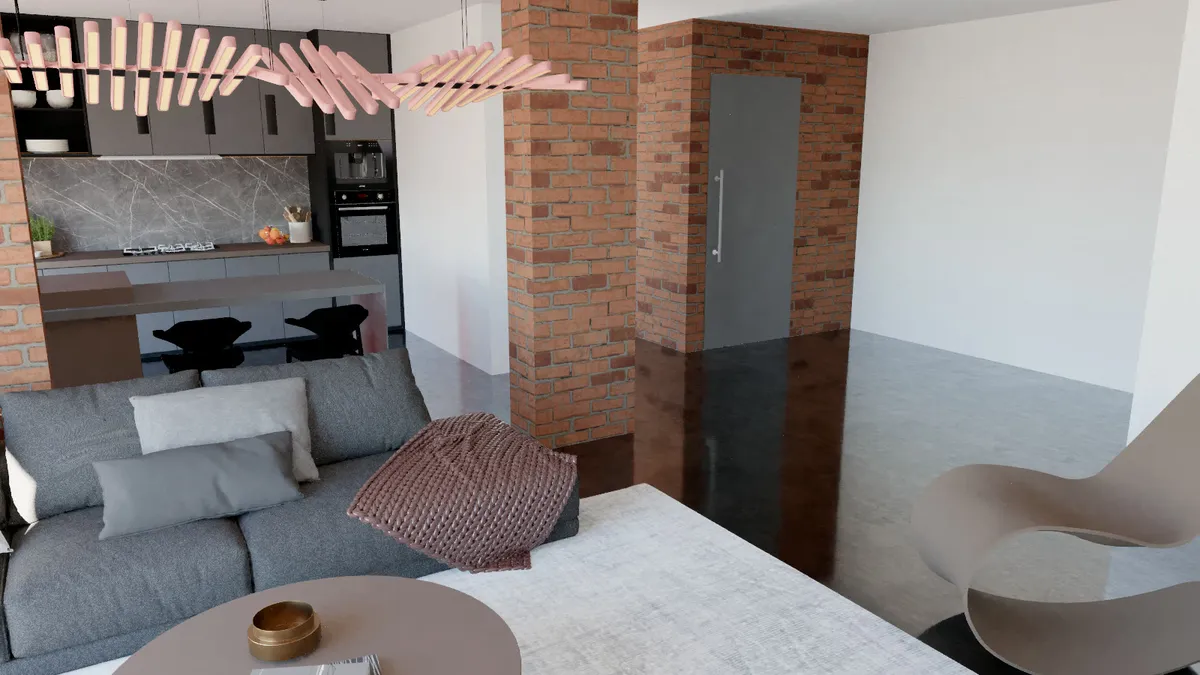
The Best Render Fun Settings: A Workflow for Clean, Photo-Real SketchUp Renders
The best Render Fun settings for SketchUp renders: which quality to use when, ready scenes, sun and HDRI, lamps, materials, colour management, camera helpers and picture size, step by step.
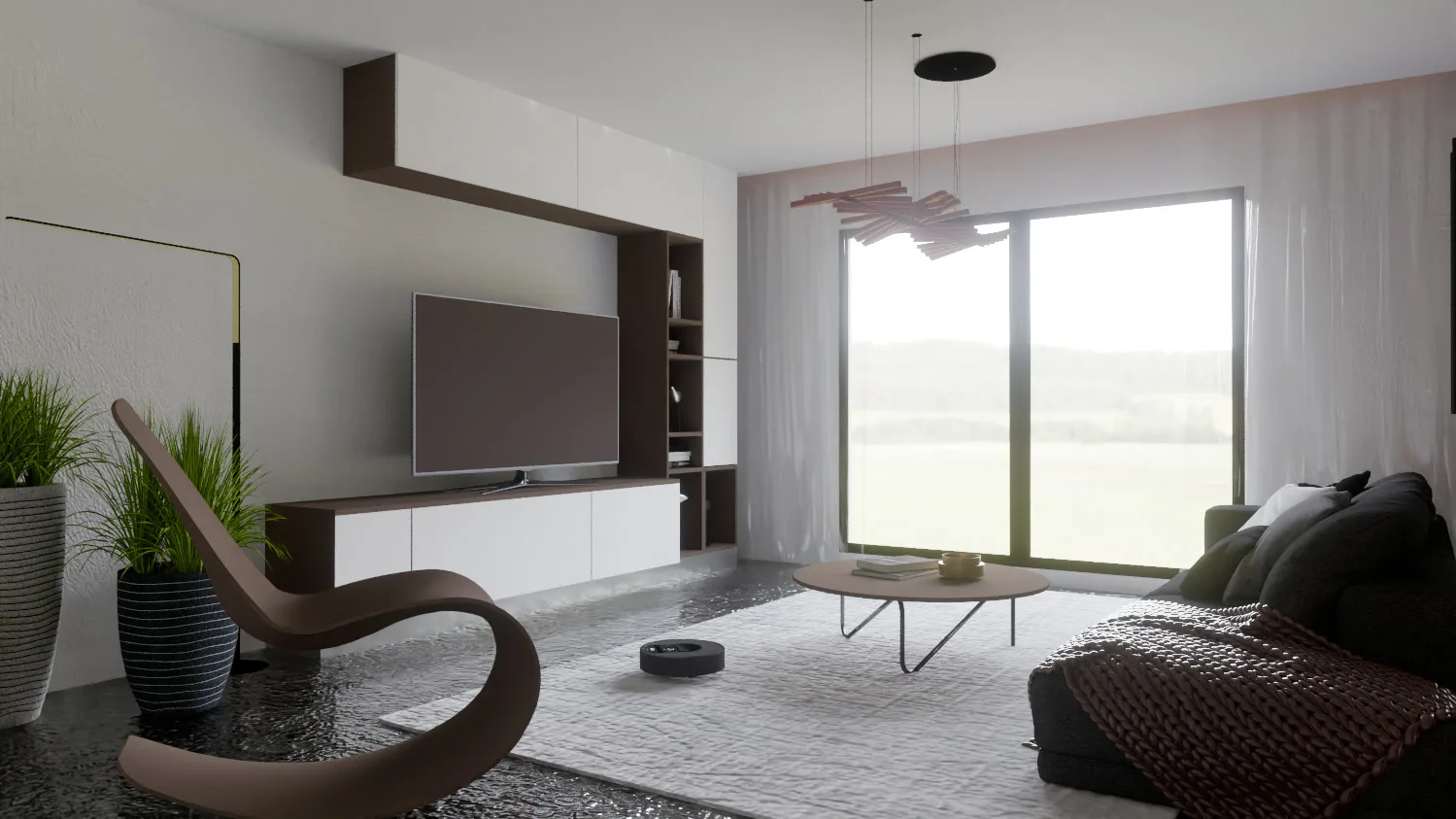
The Best Render Fun Features for Architects: Architectural Rendering Inside SketchUp
Render Fun features for architects: straight verticals, real sun from SketchUp, sections, 360° tours, Before / After videos, Smart Check and large-model options for architectural visualization in SketchUp.