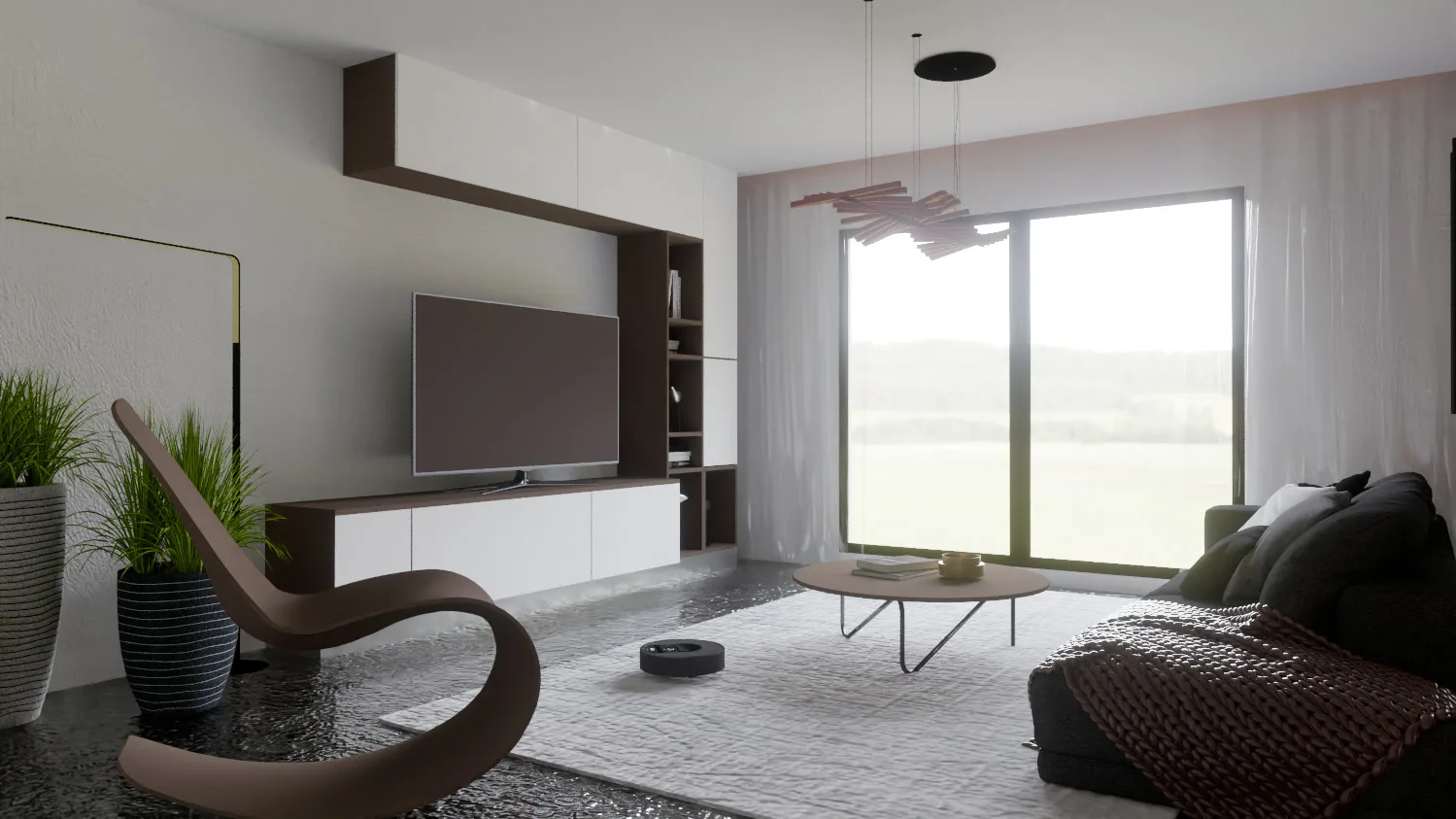
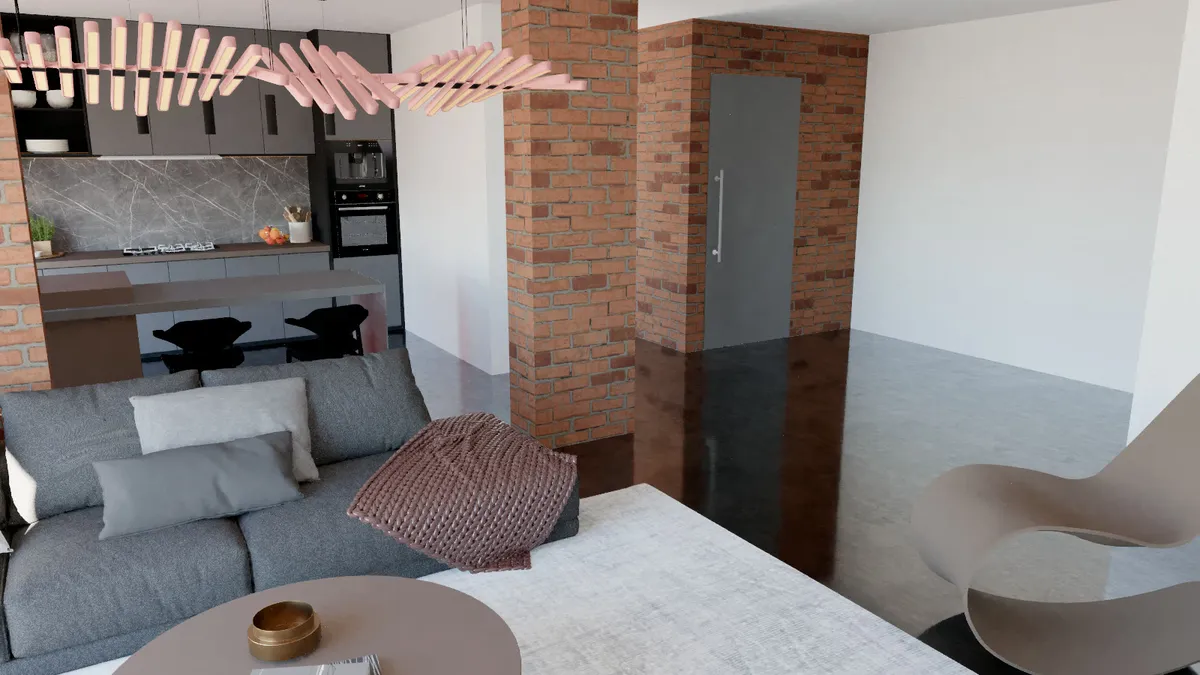
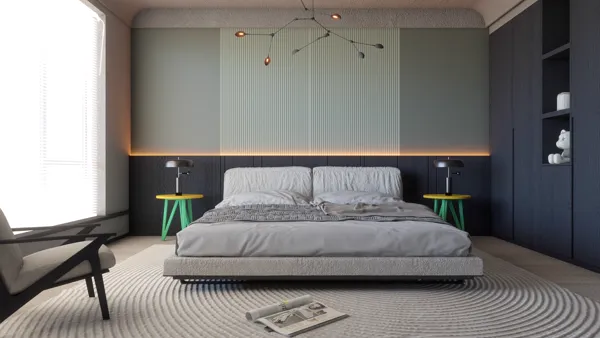
Render Fun Use Cases: What You Can Render in SketchUp, From Interiors to 360° Tours
A render engine earns its place in your office by how many of your jobs it can finish. Render Fun is used for far more than a single still: here is what people make with it inside SketchUp, with the settings that matter for each.
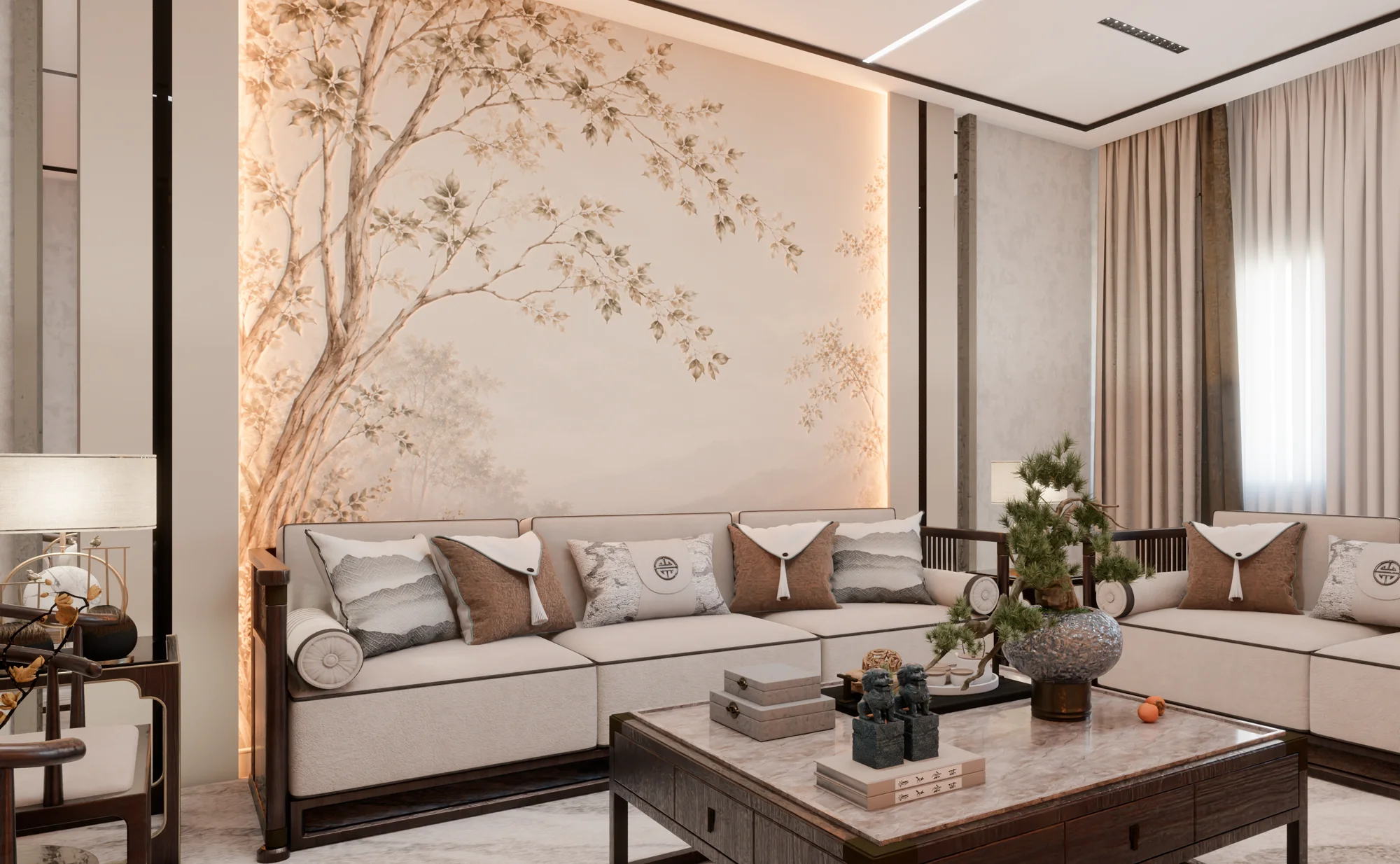
Interior rendering: living rooms, bedrooms and kitchens
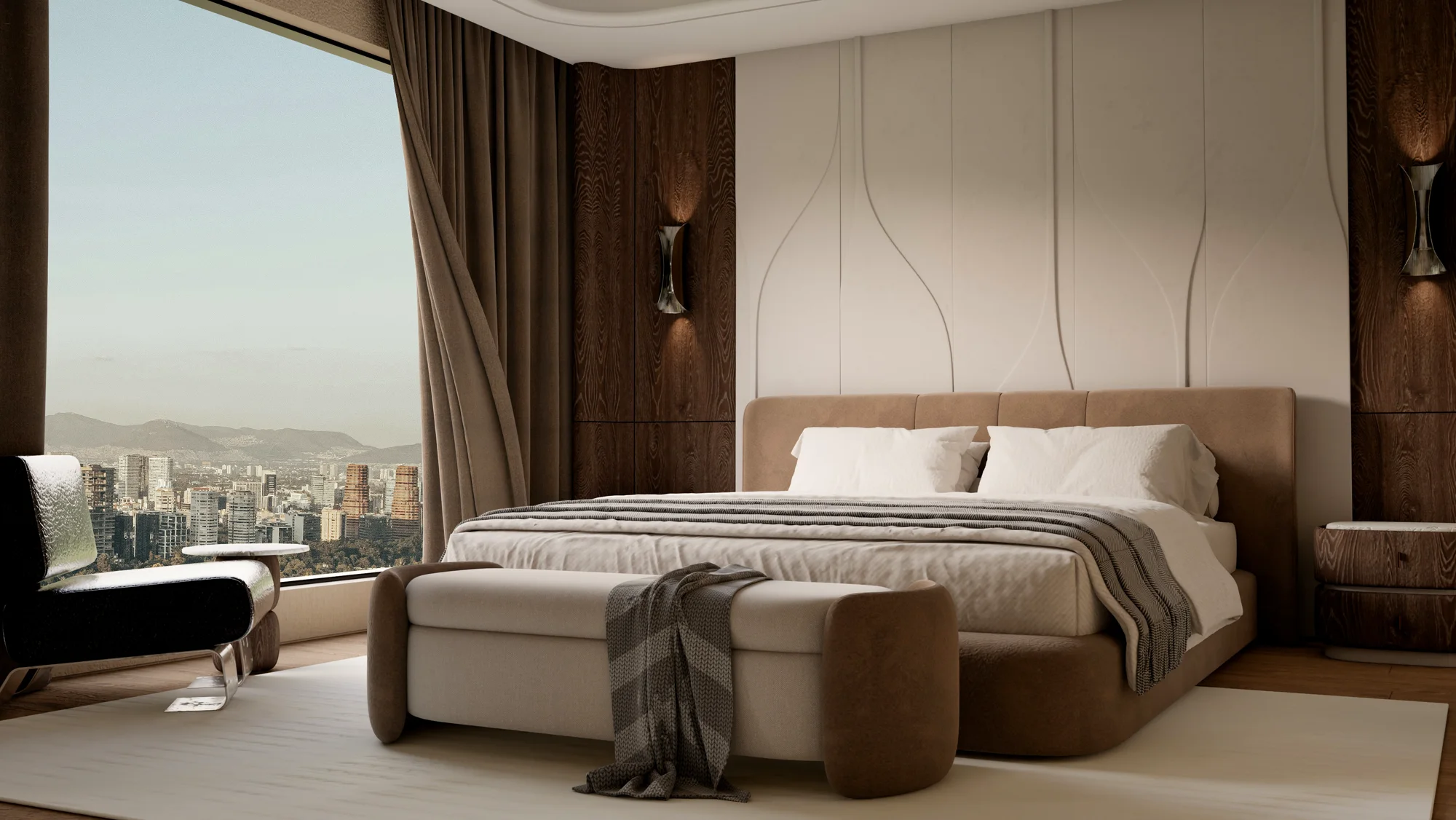
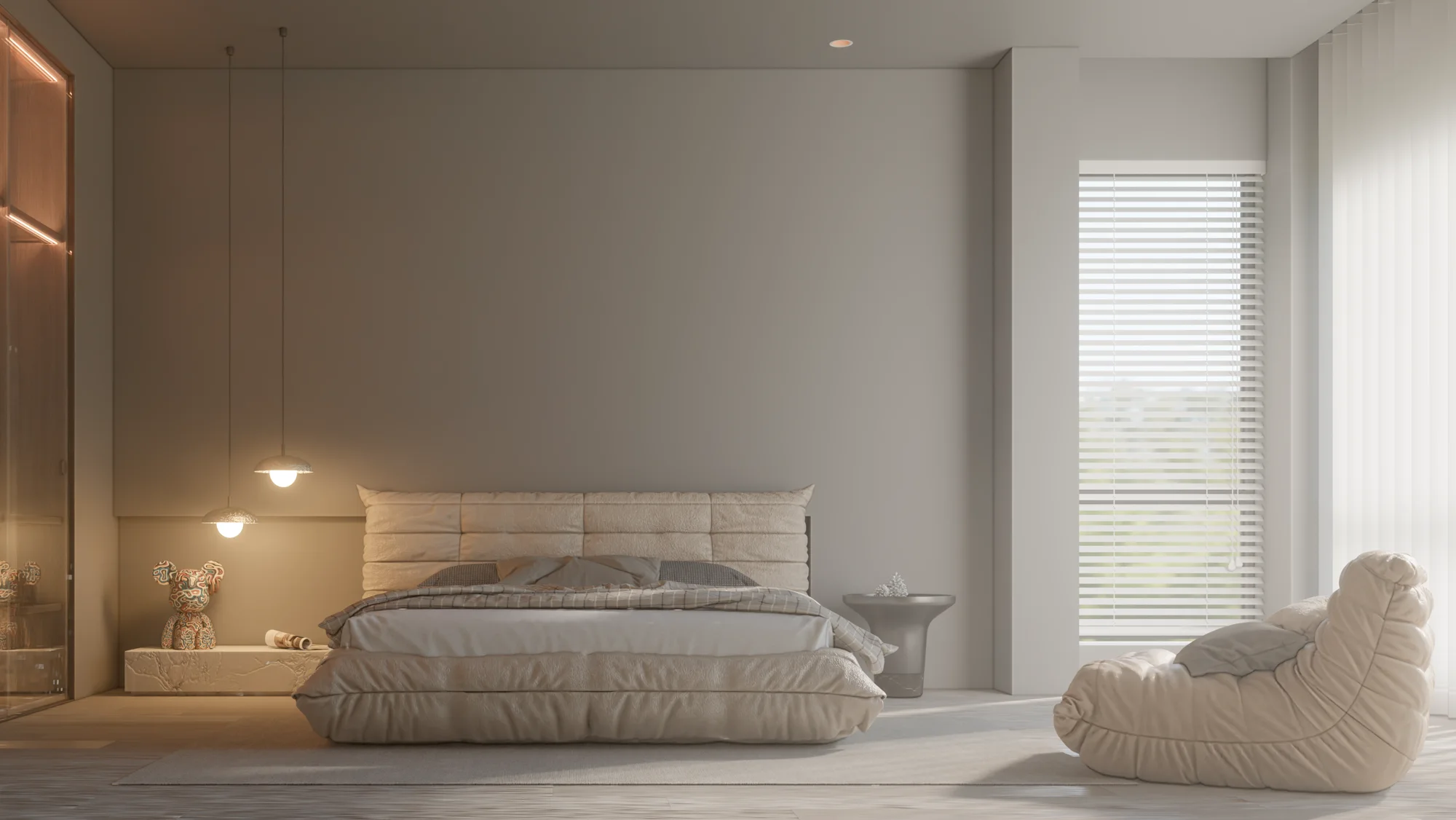
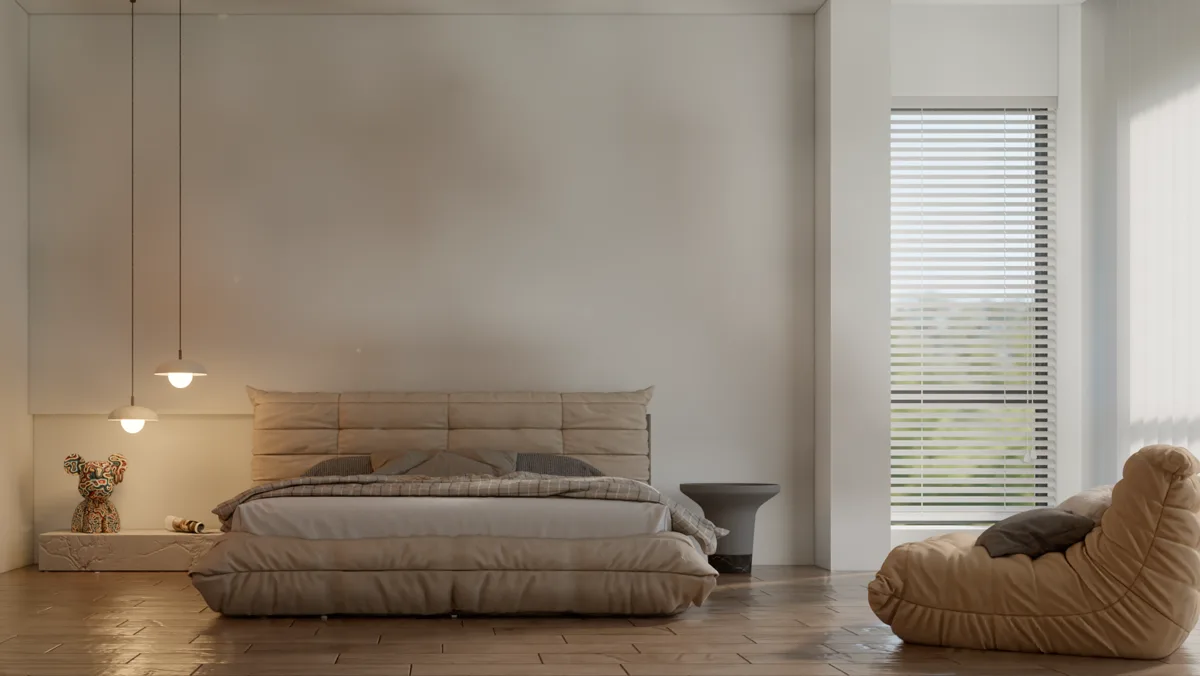
Interiors are where light matters most, because it reaches the room by bouncing. Pick the "Interior · day" scene for daylight through the windows or "Interior · night" for a room lit by its lamps, give window panes the Glass material, and add point, spot or panel lamps where the real fixtures are. Medium quality clears interior noise sooner; the AI denoiser finishes the job.
Exterior and facade rendering
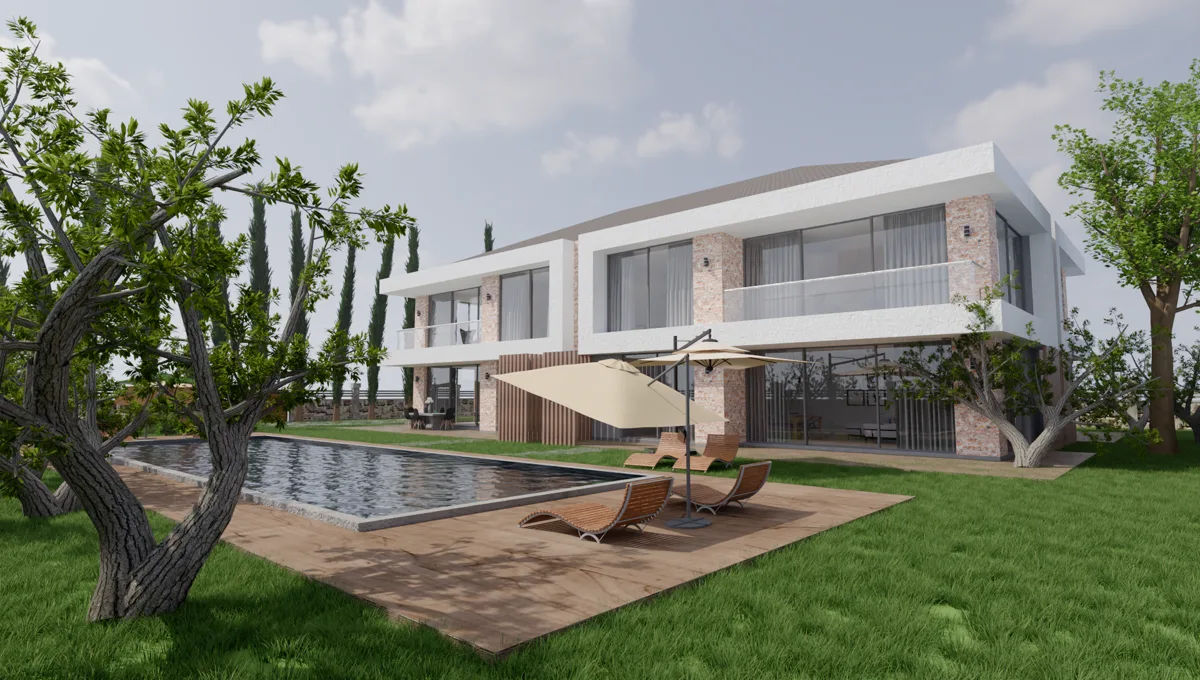
For a facade, the sun does the work. Render Fun reads the time and date from SketchUp’s Shadows settings, or you can set the sun direction and height yourself. "Exterior · day" gives a bright sun with crisp shadows; "Exterior · sunset" a low, warm sun and long shadows. A light haze adds depth to a street or a landscape.
Landscape, plants and water
A plant pack of 129 species places trees, shrubs and lawn in the model, and the Water material turns a pool or a pond into real water with its own colour. Together they turn a site plan into a place people want to stand in.
360° panoramas and panorama tours
One click renders a 360° panorama for VR headsets and 360 viewers. Add tour points in several rooms and Render Fun makes a single HTML panorama tour: the client walks from the living room to the kitchen in a browser, with no app to install.
Animation and Before / After videos for social media
Animation turns around the model or moves through your SketchUp scenes, saved as MP4 in SketchUp 2024 and newer. The Before / After button makes a slider page or a 5-second video that wipes from the SketchUp view to the render, ready for your client, your portfolio or social media; 4:5 and 9:16 sizes suit social feeds.
Clay renders, sections and photo compositing
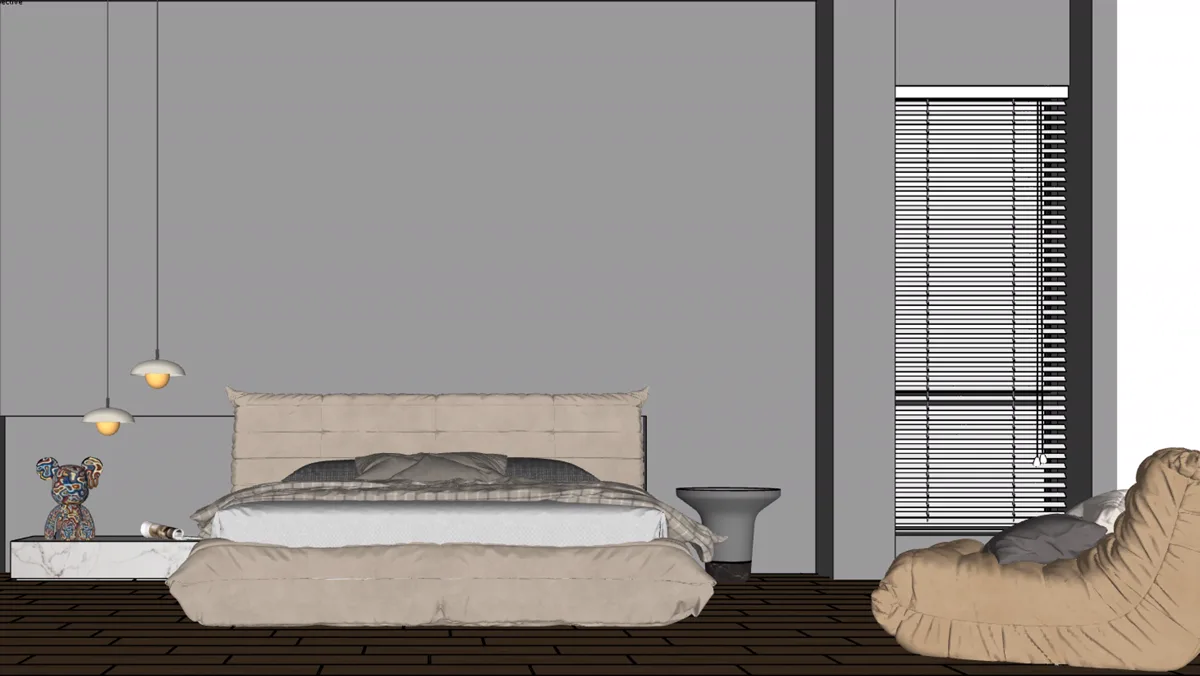
- Clay mode turns the whole model white, perfect for showing pure form and light.
- A SketchUp section plane can be applied to the render for a perspective section.
- A Shadow catcher material sits the model on a photo with its shadows; a transparent background and render masks help in a photo editor.
- "Render all scenes" renders every SketchUp scene one after another.
Frequently asked questions
Can Render Fun render 360° panoramas?
Yes, for VR headsets and 360 viewers, and it can join several panoramas into an HTML tour.
Can I make a video with Render Fun?
Yes: an orbit or a walk through your scenes as MP4 (SketchUp 2024 and newer), and 5-second Before / After videos.
Is it good for interior design renders?
Yes: interior day and night presets, lamps with IES profiles, glass and fabric materials and the AI denoiser are made for rooms.