v0.65.0 The version you download
- The render engine in the package is protected.
- The licence and third-party notices ship inside the package (Turkish and English).
The render engine from Türkiye · Free
Render Fun is our own render engine, made in Türkiye. It runs in SketchUp’s own window; the first image appears at once and sharpens while you watch. Weather, quality and one RENDER button are all you need. Completely free.
Render Fun
A render engine that lives inside SketchUp. It reads your model as it is, traces real light on the graphics card and shows a usable picture from the first second, so you judge light and materials while you design rather than after an export. It was built so that a ten-year-old could take a render without reading anything, and a visualiser still finds colour management, light mixing and IES lamps one click deeper.
Render Fun opens as a window inside SketchUp and reads the model itself: triangles, materials and textures, camera, sun and lamps. There is no separate program, no export file and no import step. Move the camera or change a material and the render window follows.
For every pixel the graphics card follows rays of light as they bounce off walls, pass through glass and fall into shadow. This is path tracing, the same principle the big offline renderers use, running in SketchUp's own window through WebGL2.
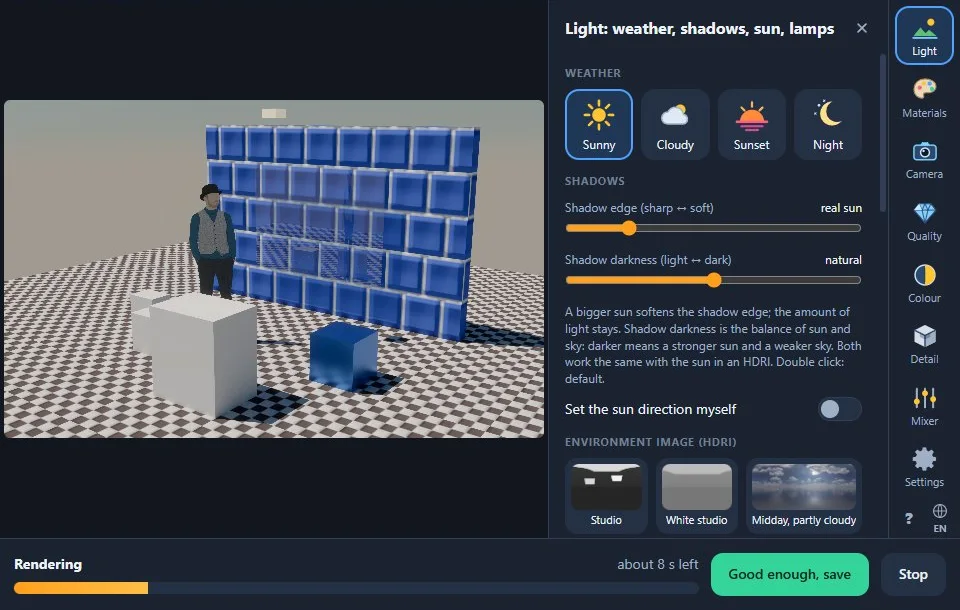
You do not wait for a finished frame. The first pass appears immediately and every pass adds light samples, so the picture cleans up while you watch. Stop whenever it looks good enough, or let “Until clean” stop by itself once the image is clean.
While you work, a fast denoiser keeps the preview clean even at a few samples. For the final render on Windows, an AI denoiser runs once at the end.


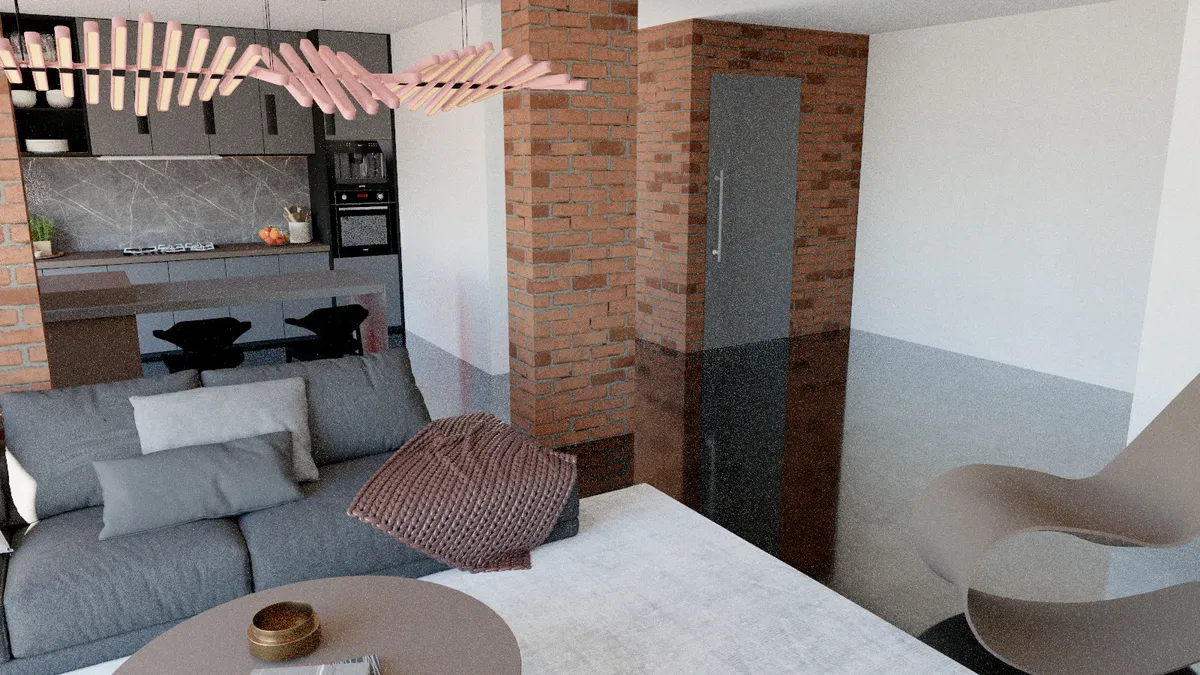
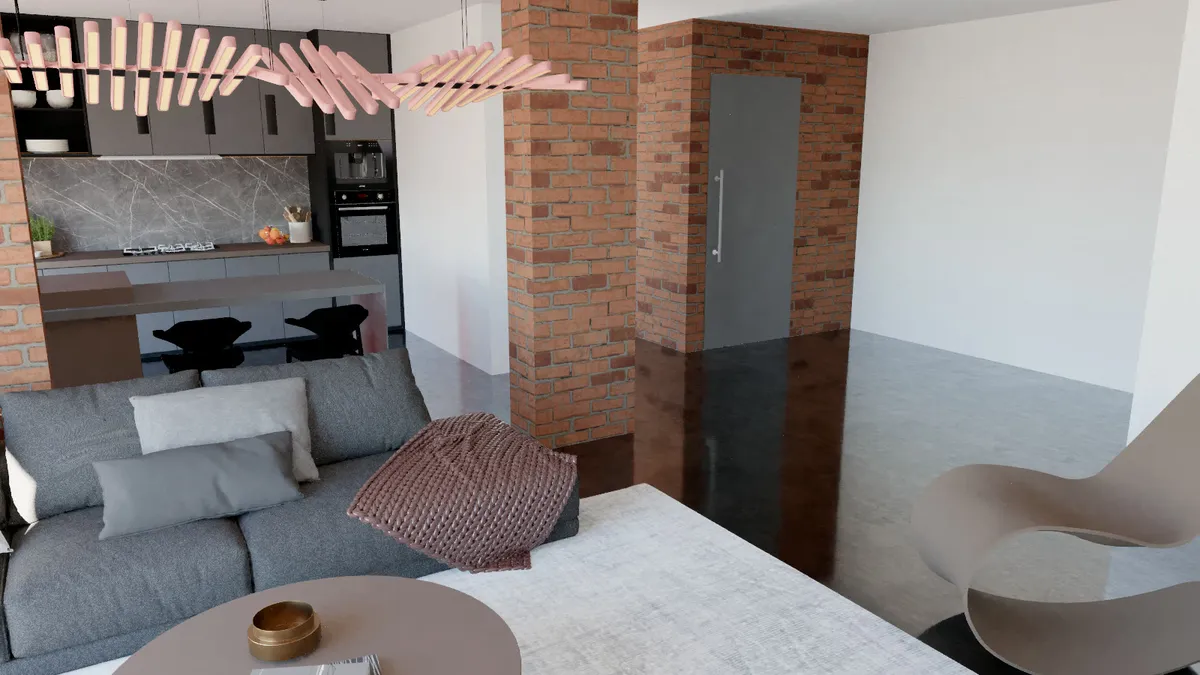
The same 16 samples: drag to compare the raw image with the denoised one.

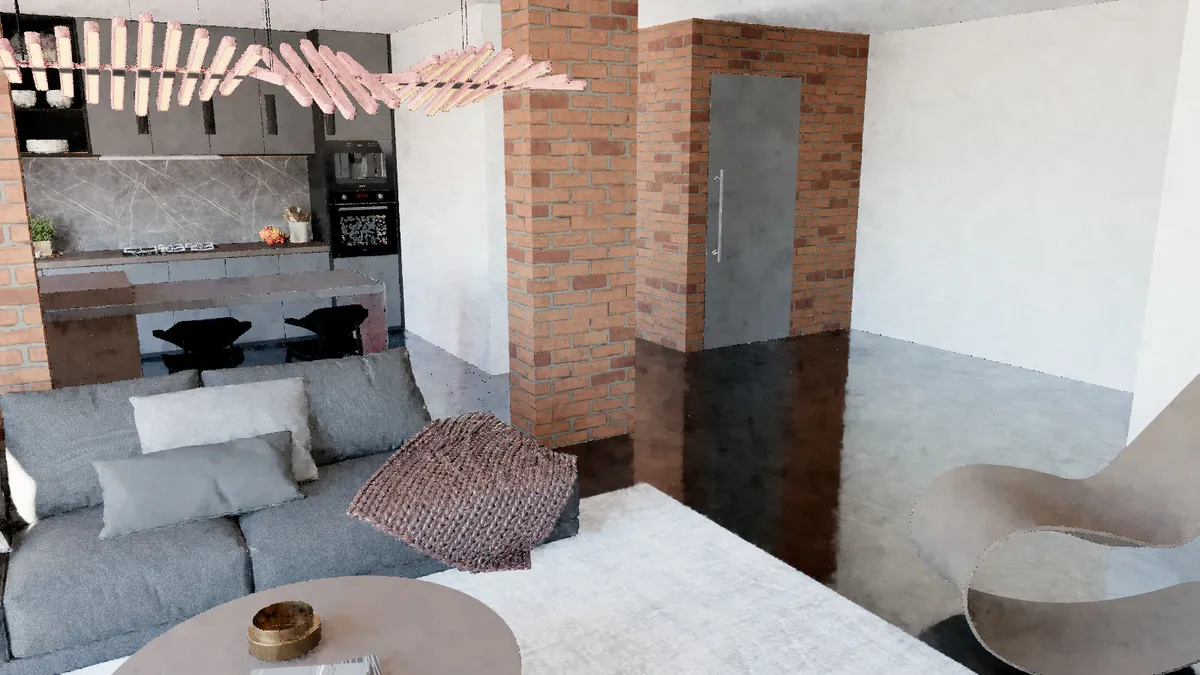
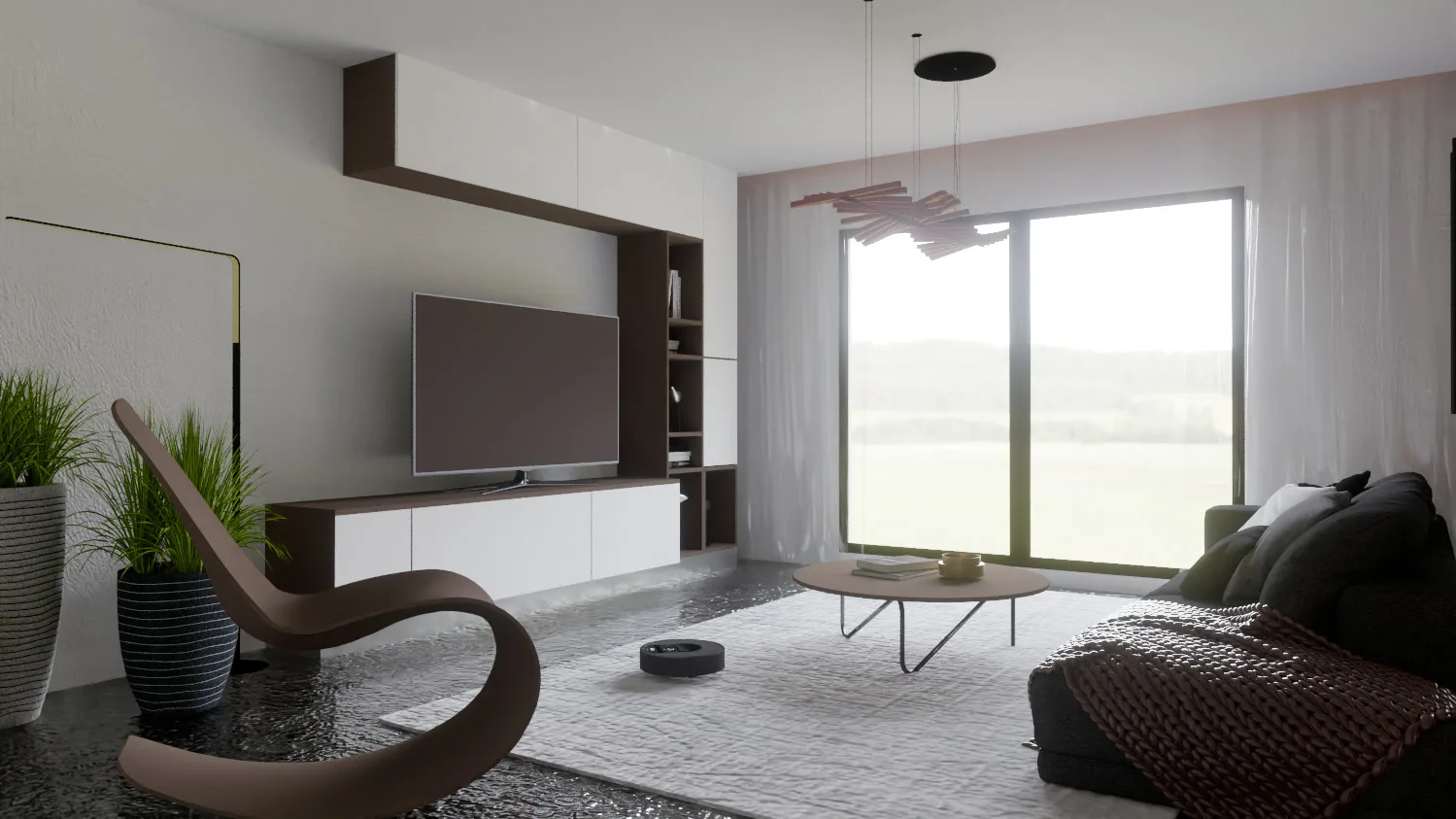
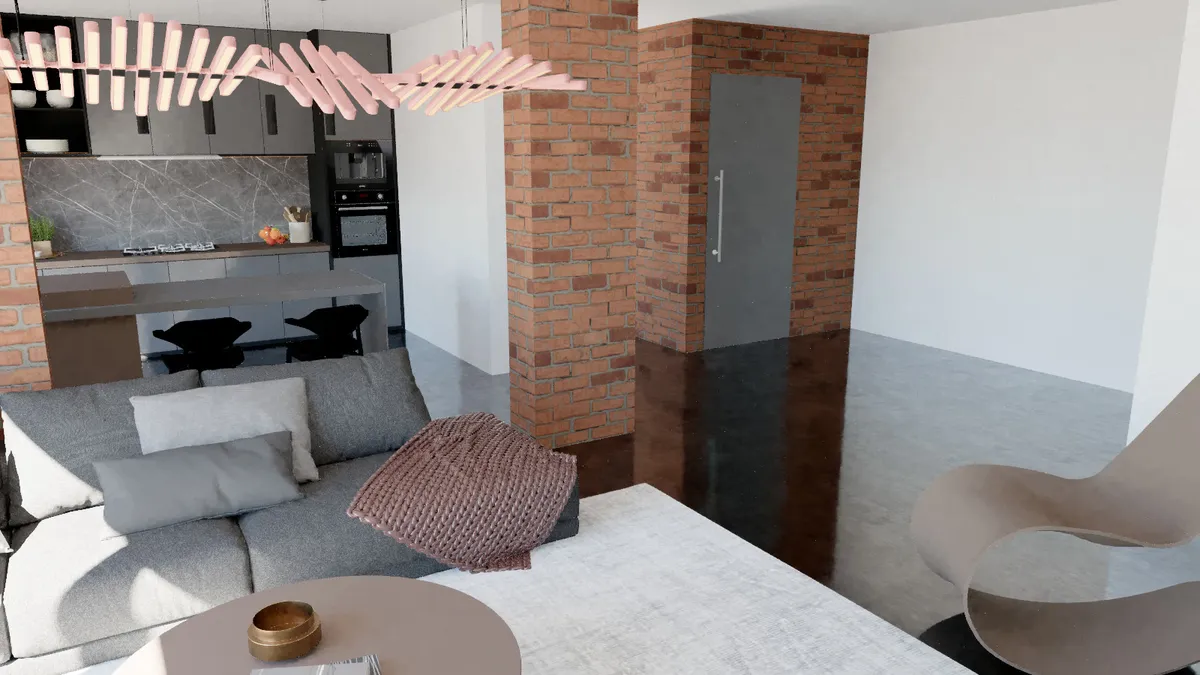
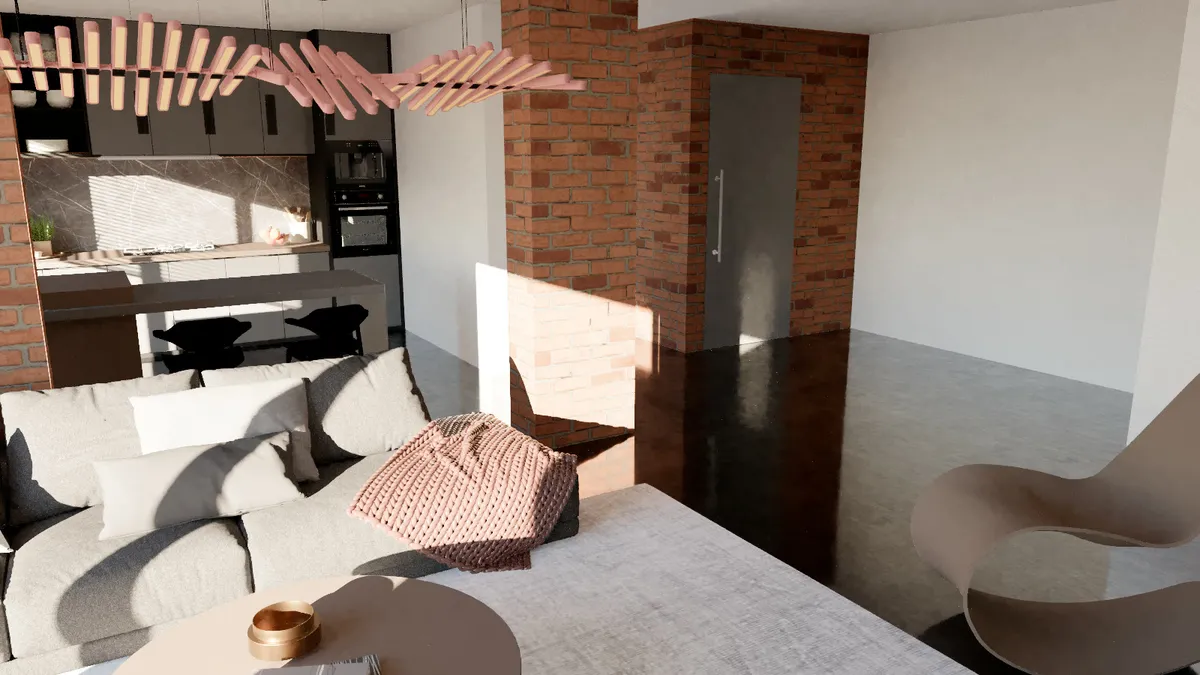
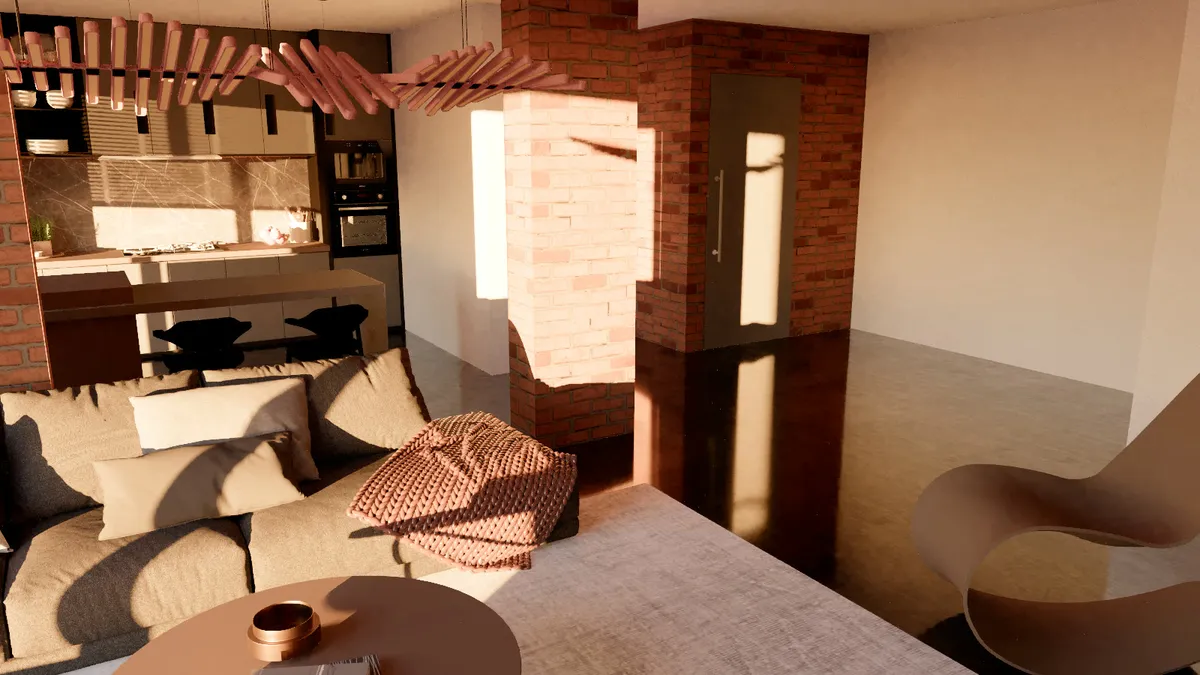
The same room as the sun goes down from 40° to just below the horizon. Every frame is a real render.
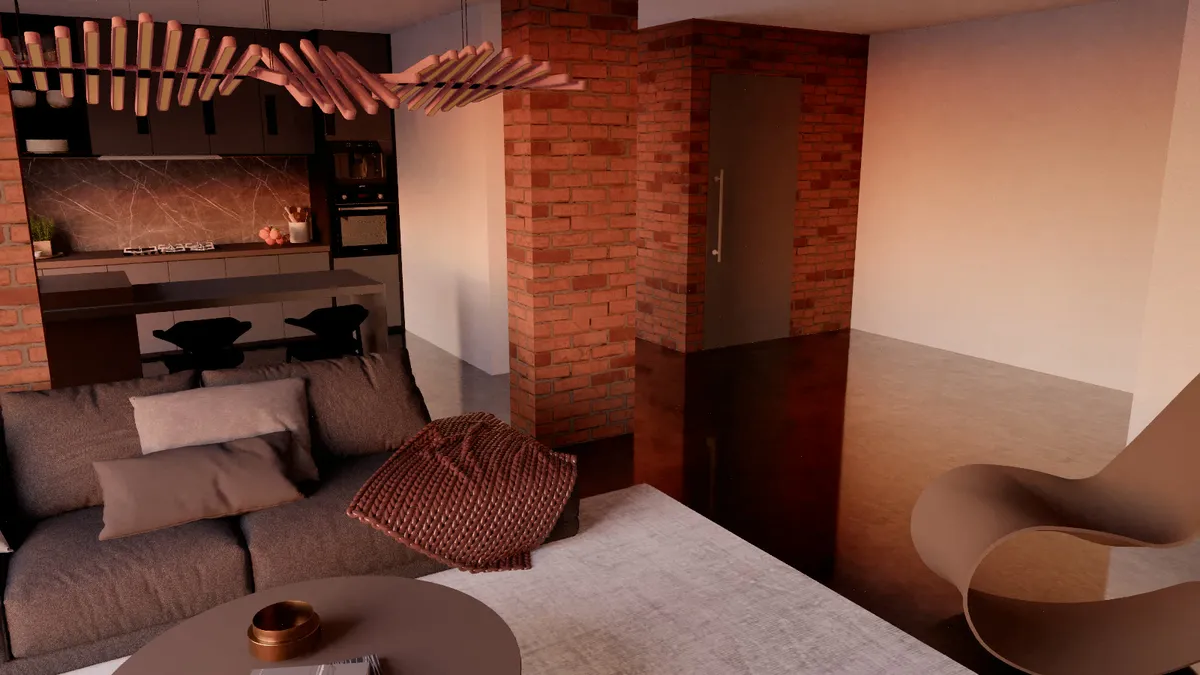
Features
Press the Real-time button and walk through the model like in a game: W A S D, drag to look, Shift to run. Sun shadows, bounced light, reflections and glass are drawn instantly, and RENDER gives the path traced image from the angle you stop at.
Our own plant pack of 129 trees, shrubs, grasses and indoor plants: scatter them over a terrain, line them up along a path, place pot plants with a click, turn surfaces into lawns and keep paths and terraces clear, while the SketchUp model stays light.
No second program and no export. The camera follows at once; sun, materials, geometry and tags update live as you model.
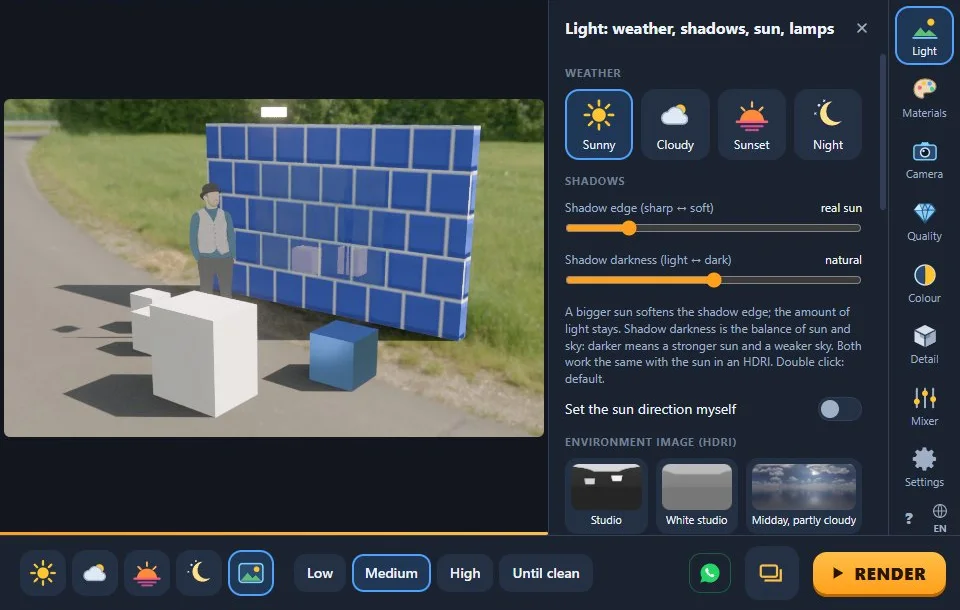
Pick the weather, pick the quality, press RENDER. Every panel opens with one-click presets; the sliders are under “Detailed settings” for whoever wants them.
An AI denoiser on the final render (Windows), and “Until clean”, which stops the render by itself once the image is clean.
Physical sky with SketchUp's own sun, 10 built-in CC0 HDRIs, your own .hdr / .exr files and SketchUp 2025+ environments, with rotation, strength and background options.
Point, spot and panel lamps, IES light distributions, glowing textures, and a light mixer that changes lamp groups' power and colour after the render.
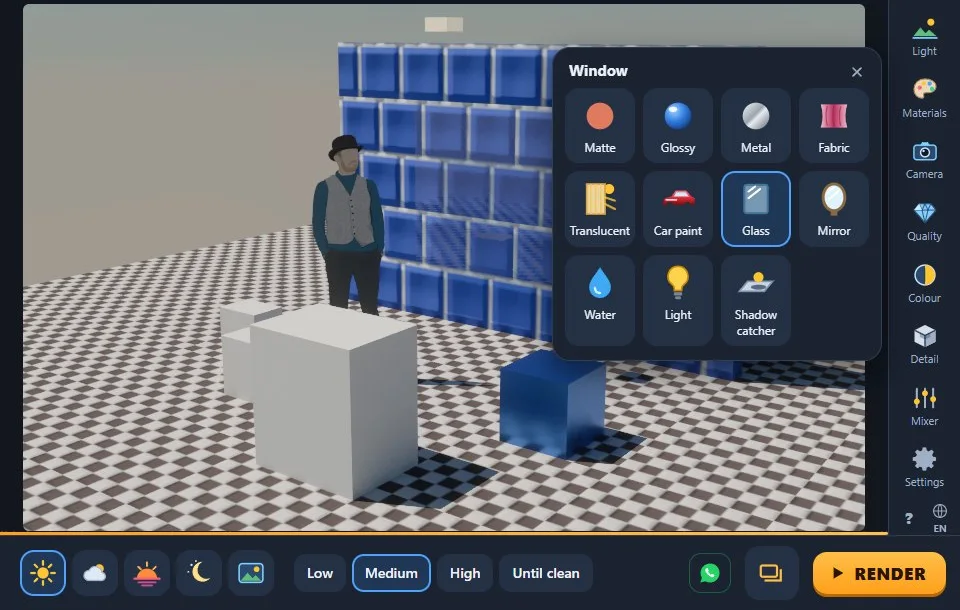
Click a surface and choose matte, glossy, metal, glass, mirror, water, fabric or car paint; SketchUp 2025 PBR maps are read; a name like “glass” or “emissive 200” sets the type; a material library of 20 categories with 298 texture sets comes built in. Smart UV places a texture at its real size in one click.
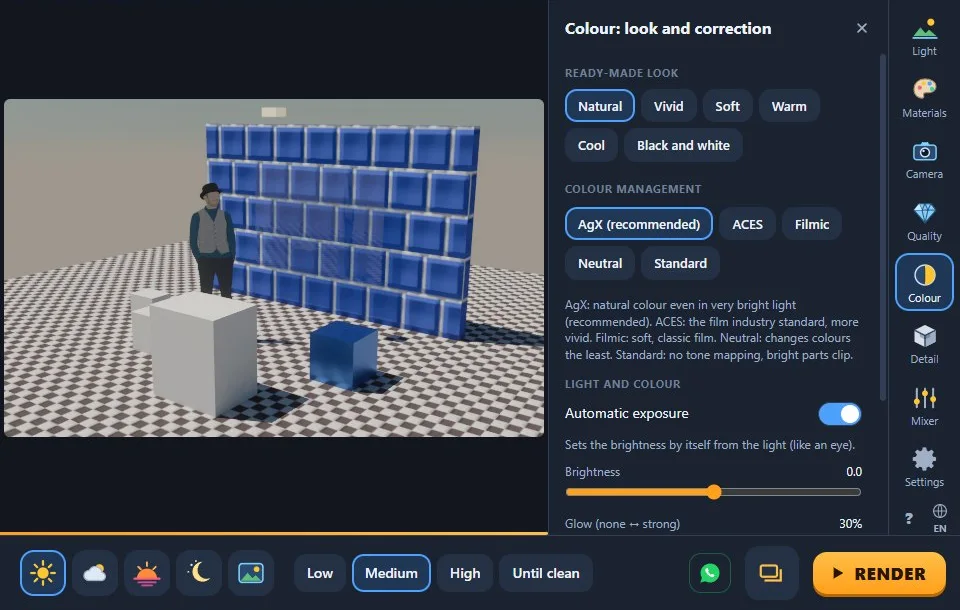
AgX, ACES and Filmic colour management, colour correction, white-point picker and looks; ambient occlusion and cavity edges. They work on a finished image, instantly.
Four anti-aliasing levels, faster interiors, depth of field and bloom.
Large models open about twice as fast as before.
Every finished render lands in one window, newest first, numbered RenderFun001, RenderFun002… so nothing is overwritten; the last 60 are remembered after SketchUp closes.
Every word of the interface in both languages, with a picture guide built into the plugin.
One screen, a rail of panels on the right: presets first, sliders one click deeper.
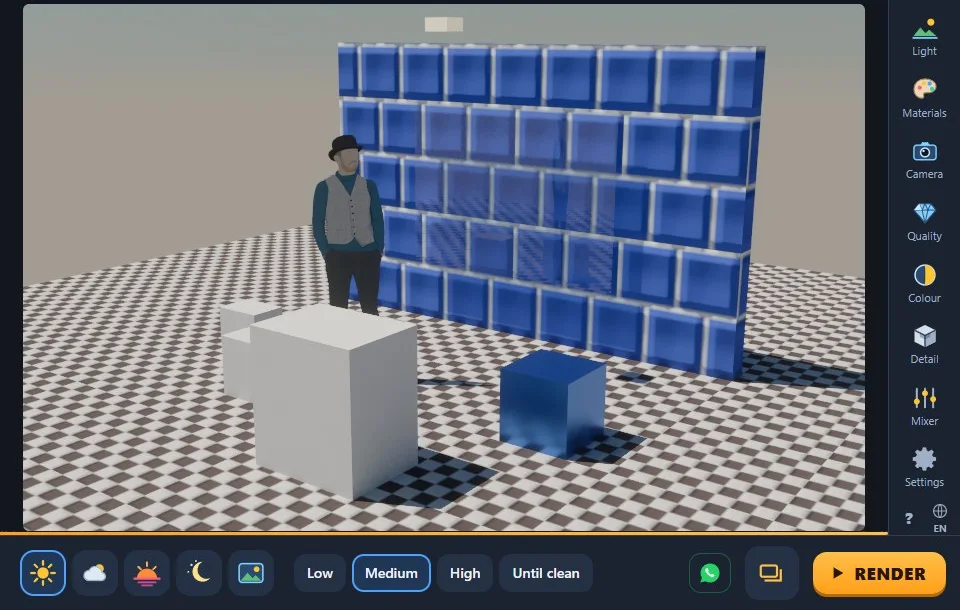
Benchmark
Every test starts SketchUp itself, builds a model, renders it and measures the result. The latest round, in charts, is on the benchmark page.
Gallery
Renders by our users and by us. Send yours and it can join the gallery.
Version 0.65.0. No account, no licence key; free for personal and commercial work.
By downloading and installing you accept the Render Fun Licence Agreement. Download Render Fun only from this site or from bestsketchupplugins.com.
IMPORTANT: SketchUp must be closed while you copy the files!
C:\Users\<your user name>\AppData\Roaming\SketchUp\SketchUp <your version, e.g. 2025>\SketchUp\PluginsAppData is a hidden folder: type %APPDATA%\SketchUp in the File Explorer address bar and press Enter to get there directly.Every version since the first day, newest first. The version you download is 0.65.0.
Yes. Render Fun is our own render engine and it is free to download and use, for personal and commercial work, with no account and no licence key. Download the .rbz on this page and follow the install steps below it.
Close SketchUp, open renderfun-0.65.0.rbz with WinRAR or WinZip and extract all the files inside it into C:\Users\<your user name>\AppData\Roaming\SketchUp\SketchUp <your version>\SketchUp\Plugins. Then start SketchUp: Render Fun is in the Extensions menu and on its own toolbar.
Render Fun runs on any graphics card with WebGL2 and picks its quality from a short speed test when it opens. A faster card simply cleans the image sooner. So far it has been measured on an NVIDIA RTX 4090; integrated graphics have not been measured yet, and we will publish those numbers when we have them.
No. The HDRIs, the texture library and the AI denoiser are inside the plugin; nothing is uploaded.
Only what you ask it to. Render settings are saved with the model; a material type you pick and the Render Fun lamps you place are written into it, and a material choice or a lamp-size change is one step to undo.
It has not been tested on macOS yet, so we do not claim it. Today Render Fun is built and tested on Windows.
Our SketchUp plugins build the floors, doors, windows, stairs and furniture; the free texture library dresses them.