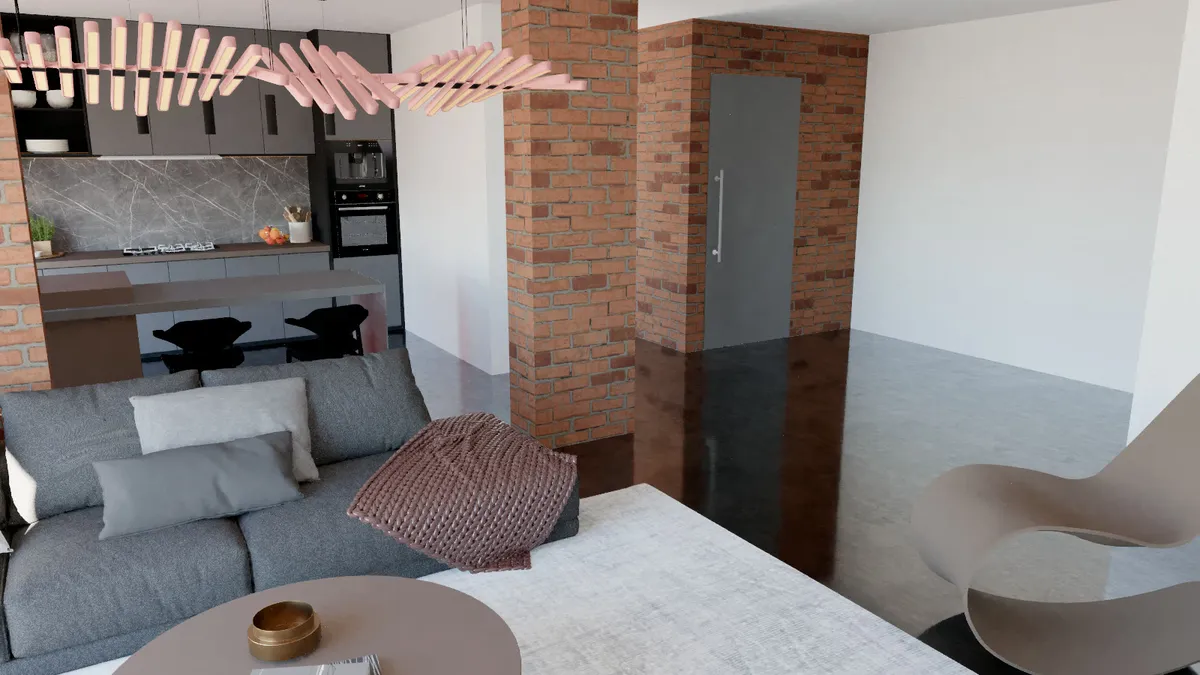
The Best Free Render Engine for SketchUp: Render Fun, With No Limits on Commercial Work
Free usually comes with a catch: a watermark, a resolution cap, a "non-commercial only" line or a trial that ends the week of your deadline. You deserve a render engine you can put on every computer in the office and use for paid work without reading the small print twice. That is what Render Fun was made to be.
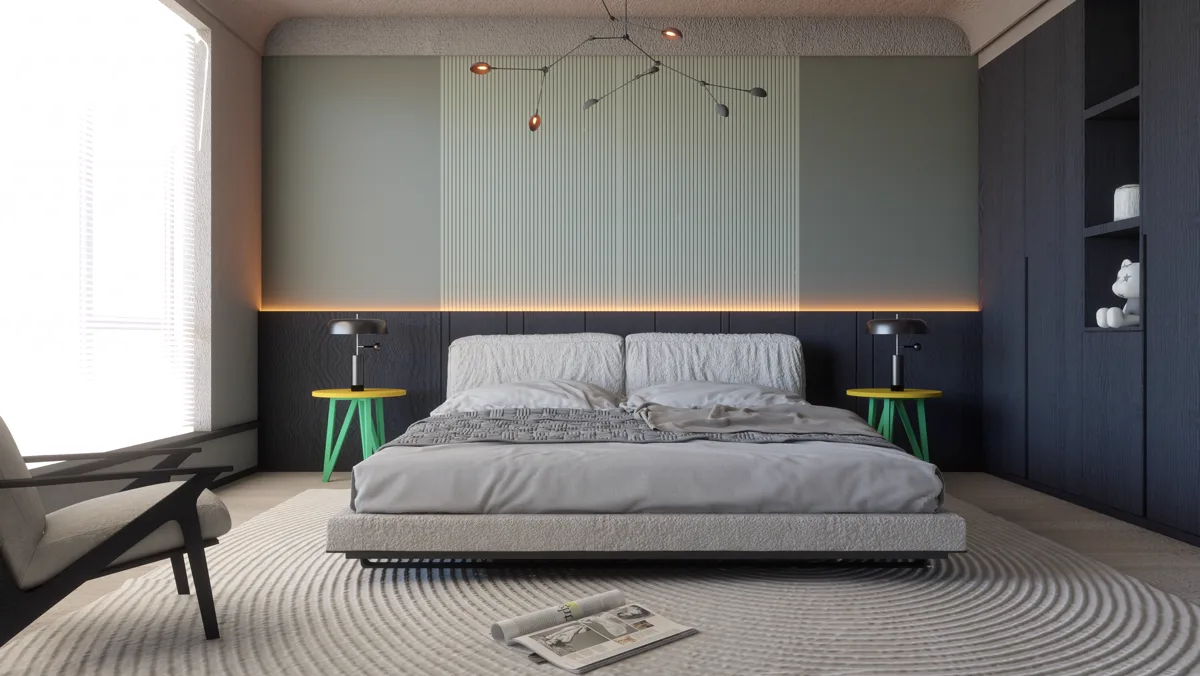
What to check in a "free" render engine
- Can you use it for commercial, paid work?
- Does it add a watermark or cap the resolution?
- Does it need an account, a licence key or an internet connection?
- Is it free forever or only for a trial period?
- Does it run inside SketchUp or export to another program?
Render Fun answers every one of these the same way: commercial use is allowed, there is no watermark, no account, no licence key, no expiry, and it renders inside SketchUp. HDRIs, textures and the denoiser are inside the plugin, so it works without an internet connection. Sizes go from screen size to 4K and custom sizes up to 8192 pixels.
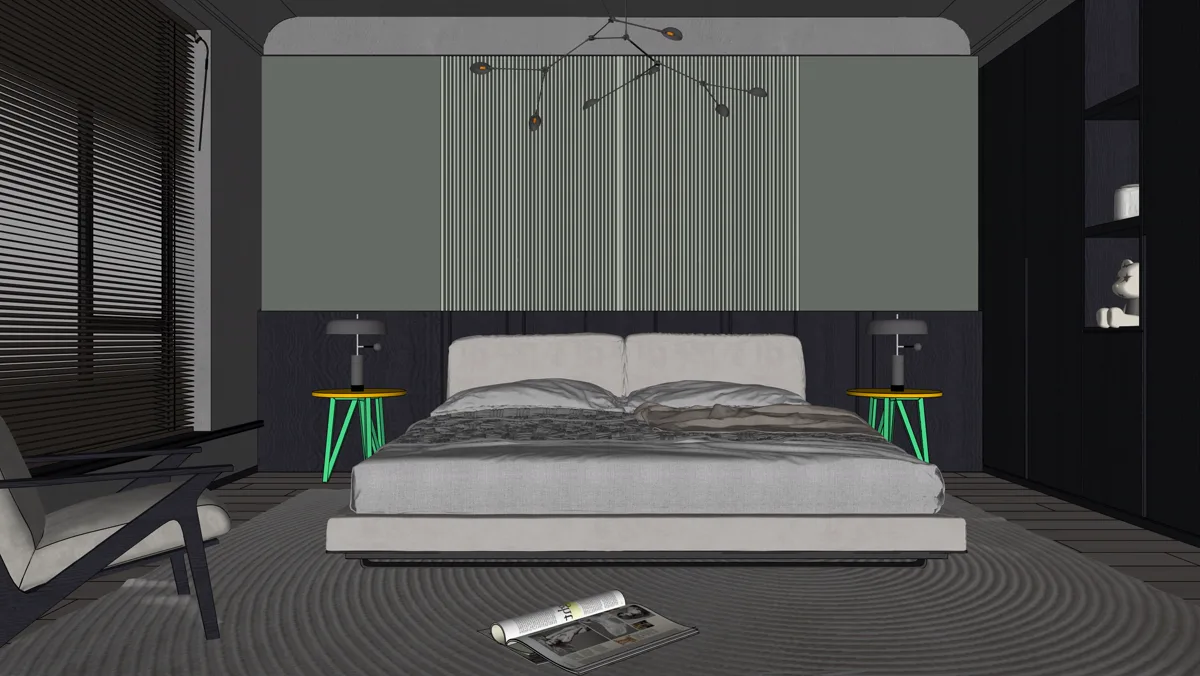
Free does not mean basic: what you get
- GPU-based path tracing for light that bounces, glass and water that refract and soft, natural shadows.
- An AI denoiser on Windows that cleans the image while you watch.
- Four ready scenes and six ready-made looks, so a first good image takes one press.
- Sun and sky from SketchUp’s own shadow settings, 10 HDRI environments, lamps with IES profiles.
- Material kinds from matte to glass, water, metal and car paint, plus a texture library of 298 sets in 20 categories.
- Plants, 360° panoramas, a panorama tour, animation and Before / After videos for social media.
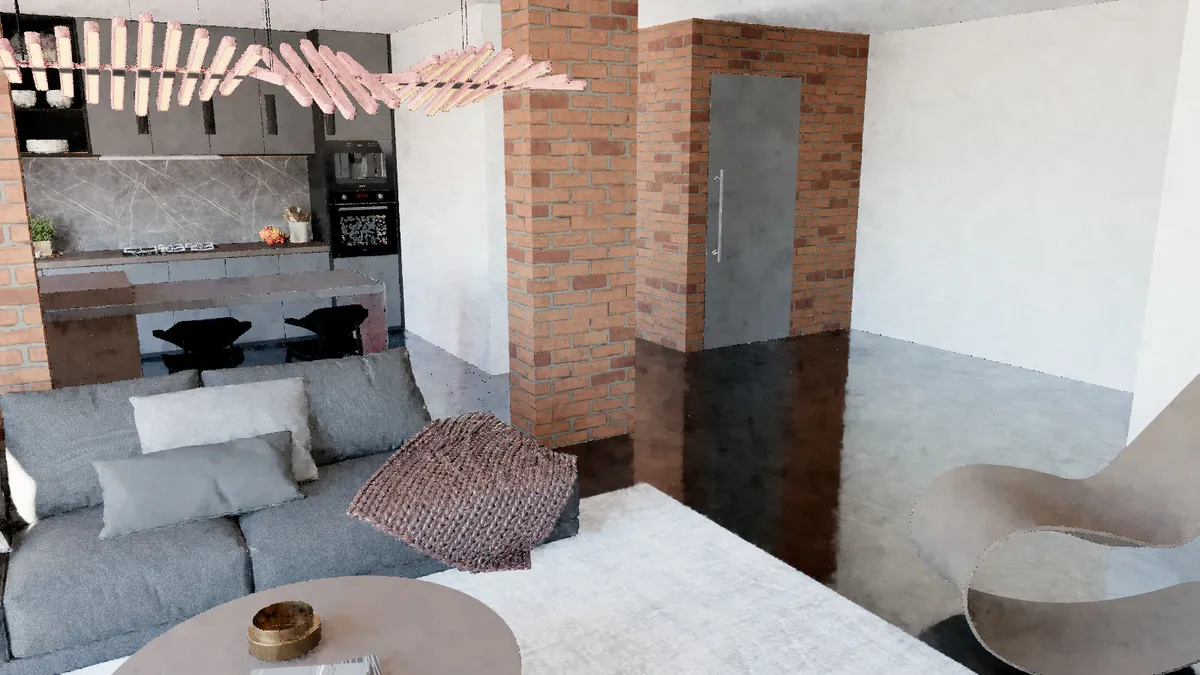
Tested, not just promised
Every setting is tested with automated tests in SketchUp 2023, 2024, 2025 and 2026; the latest public test report passed 1,162 of 1,162 checks and 206 of 206 SketchUp runs. The full report is on the benchmark page, and every version is listed on the updates page.
Honest limits
Render Fun runs on Windows; macOS has not been tested yet. It needs a graphics card with WebGL2 support and chooses a quality level that suits your card. If you are still deciding between free and paid, read how to choose a render engine for SketchUp, and see what you can make with Render Fun.
Frequently asked questions
Is Render Fun really free?
Yes: download, install and render, for personal and commercial work, with no account and no licence key.
Does the free version add a watermark?
No. There is one version, and it is free.
Which SketchUp versions does it support?
SketchUp 2021 to 2026; SketchUp 2023 or newer gives the best result.
Do I need the internet to render?
No. HDRIs, textures and the denoiser are inside the plugin.