The Best Render Fun Features for Architects: Architectural Rendering Inside SketchUp
Your client hired you for the idea, not for the hours of fixing a model before it can be shown. The best render features for architects are the ones that keep the building honest, straight walls, real sun, correct glass, and that turn a design into a presentation without a second program.
Straight verticals and camera helpers
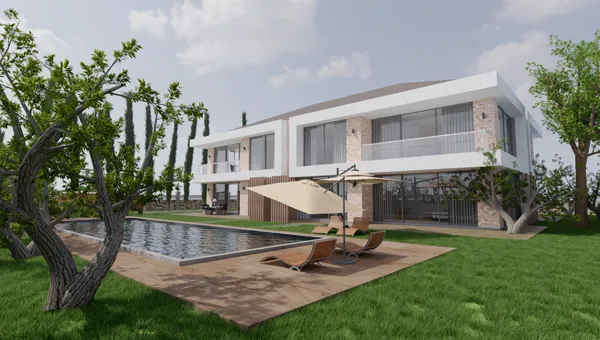
Leaning facades make a building look wrong. "Straighten verticals" gives a two-point perspective: the camera can look up at a tower and the vertical edges stay parallel. The rule-of-thirds grid and horizon line help you compose, and they stay out of the saved image.
Real sun from your SketchUp model
Render Fun follows the time and date of SketchUp’s Shadows settings, so a shadow study and a client image come from the same place. Sun power, an HDRI sky and the "Exterior · sunset" preset give you the golden-hour shot without inventing a light.
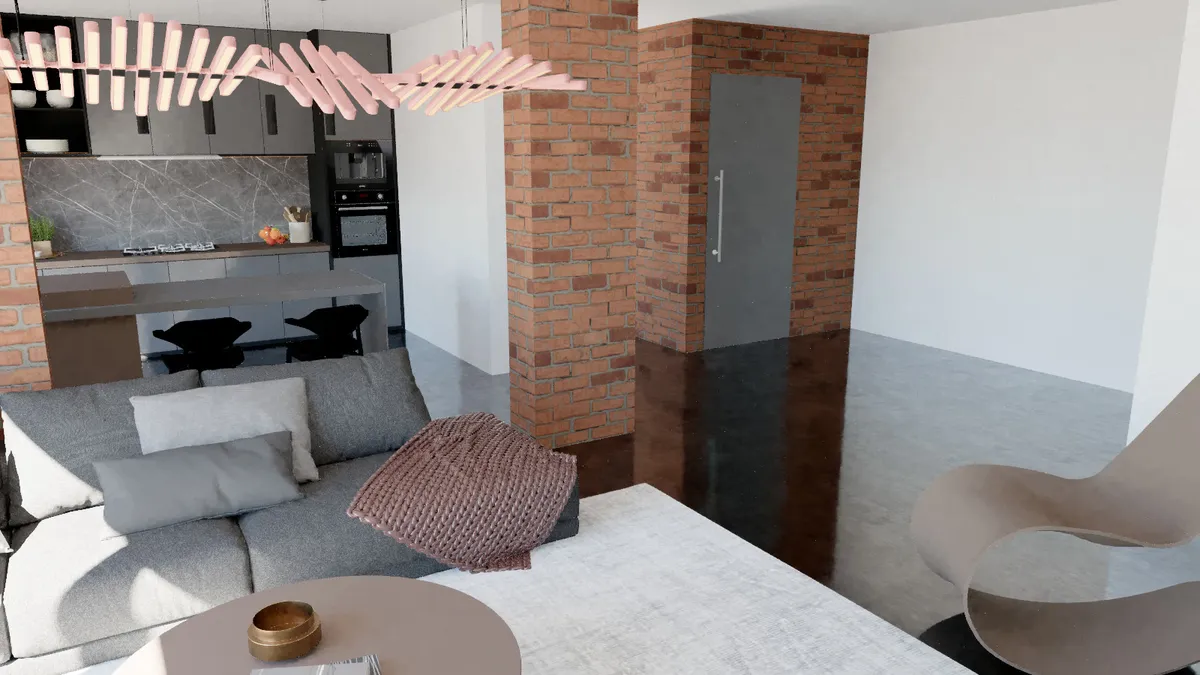
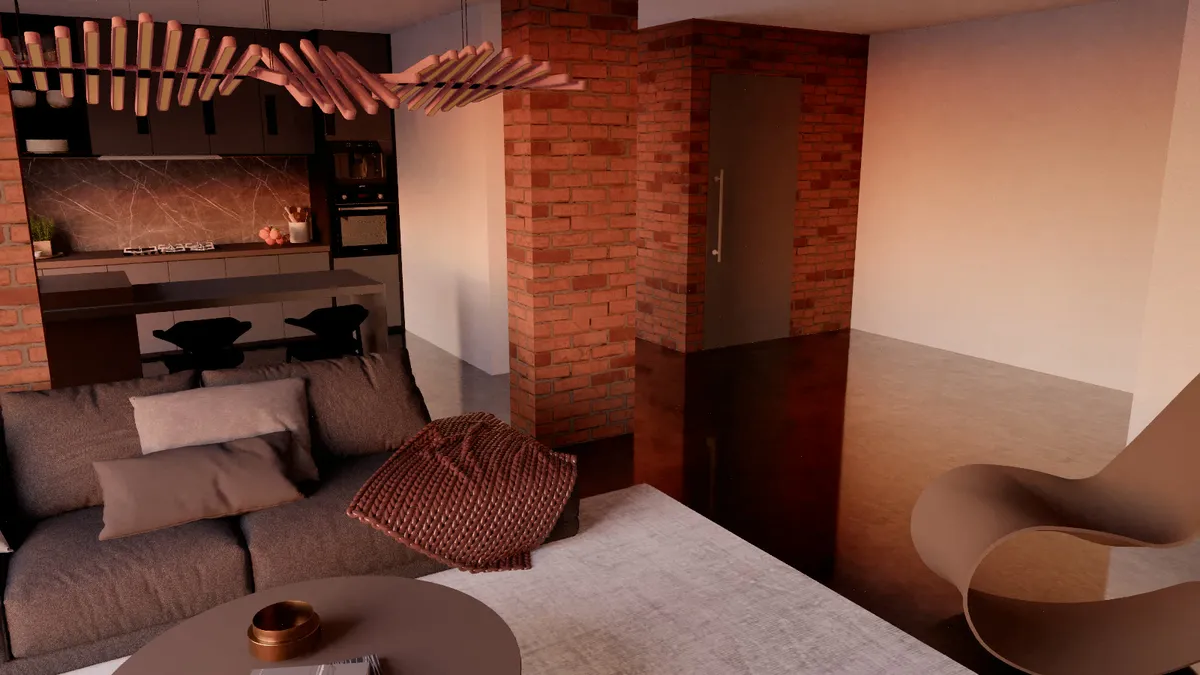
Presentation tools: 360° tours, animation and Before / After
- A 360° panorama for VR headsets, and an HTML panorama tour across several rooms that the client opens in a browser.
- An orbit or a walk through your SketchUp scenes as MP4 (SketchUp 2024 and newer).
- A Before / After slider page or 5-second video, SketchUp view to render, for the client meeting or social media.
- "Render all scenes" for a whole set of views in one go, and the Render Buffer that keeps your recent renders.
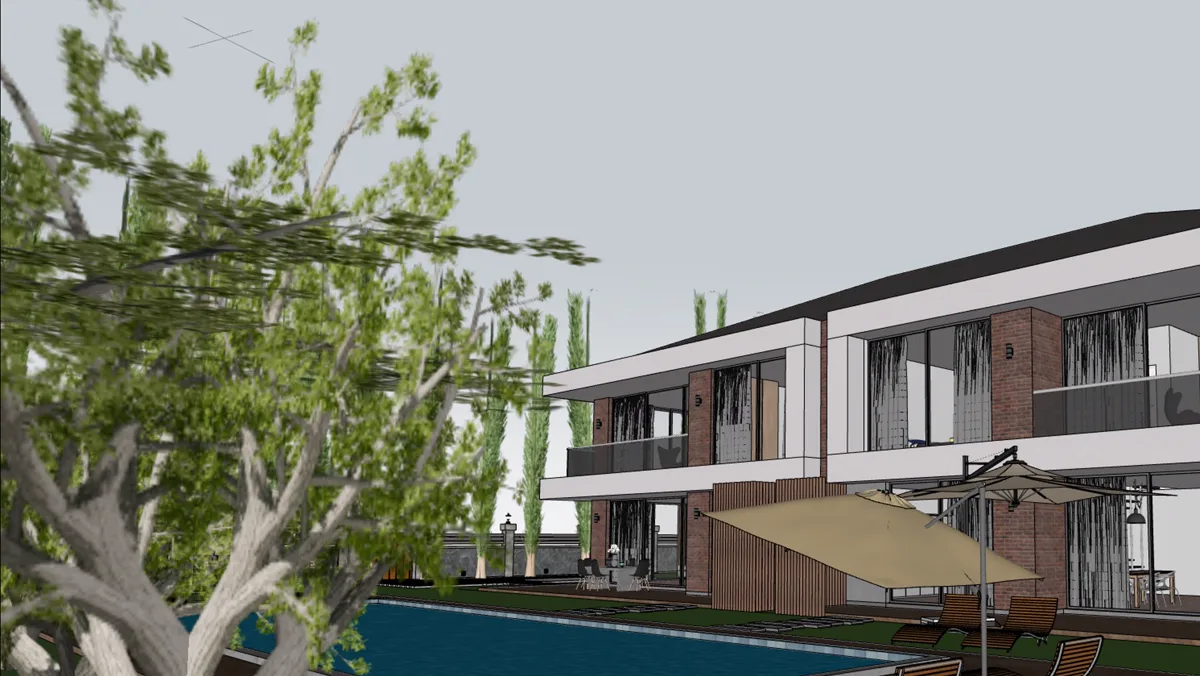
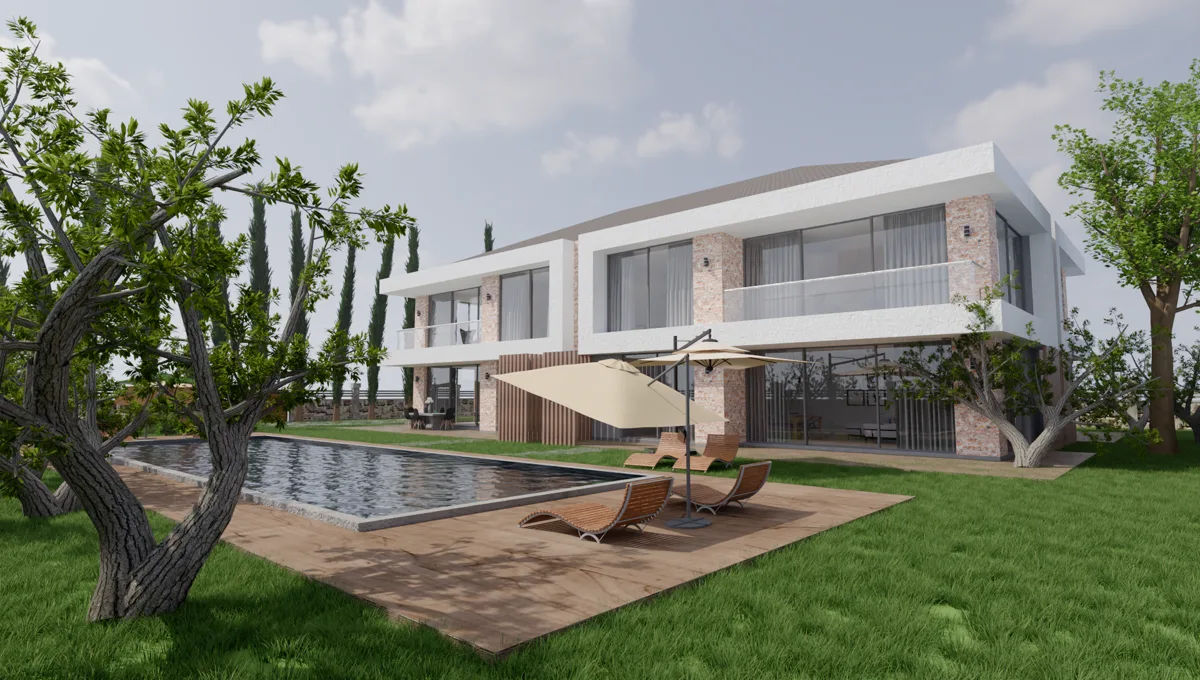
Sections, clay renders and drawing-like detail
Apply the active SketchUp section plane to render a perspective section. Clay mode turns the model white to show pure form and light in a design review, and the Drawing-like detail preset adds edge accents for a diagrammatic look.
Smart Check and large models
Architectural models collect leftovers: lights and proxies from other render engines, empty groups, duplicate copies, oversized textures. Smart Check lists them and fixes what you tick in one undoable step. For very large scenes, "Leave out far, unseen objects" opens the model much faster by skipping what the camera cannot see in the distance; nearby objects always stay.
Glass, water and materials that read right
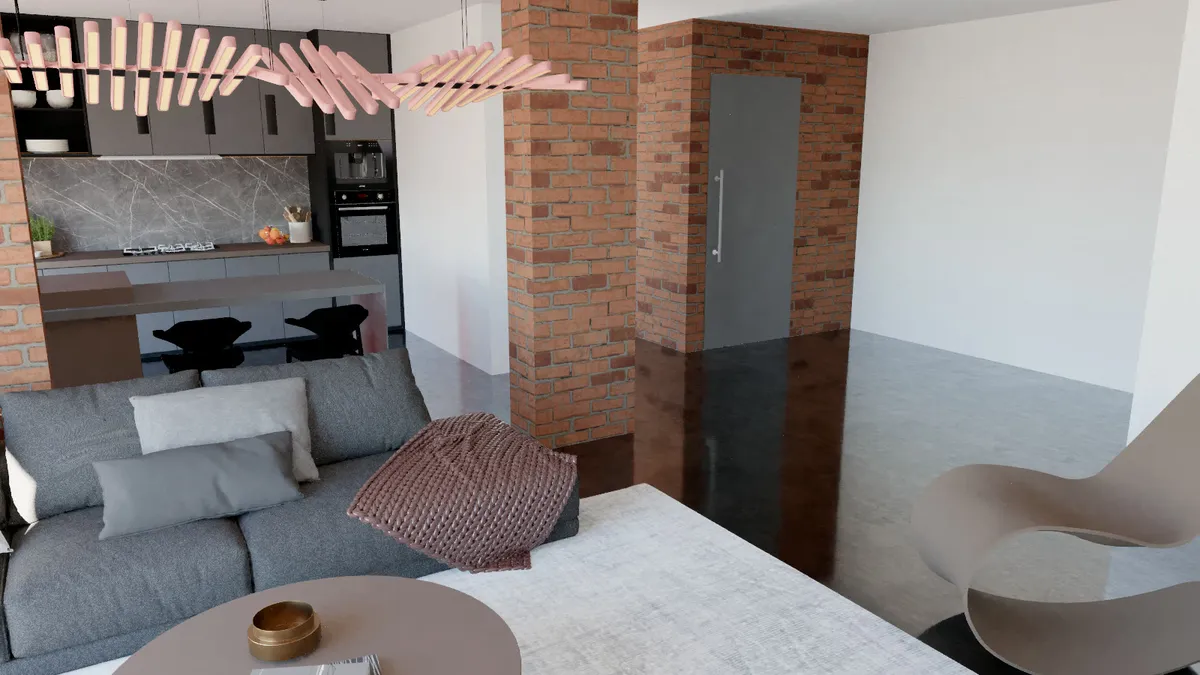
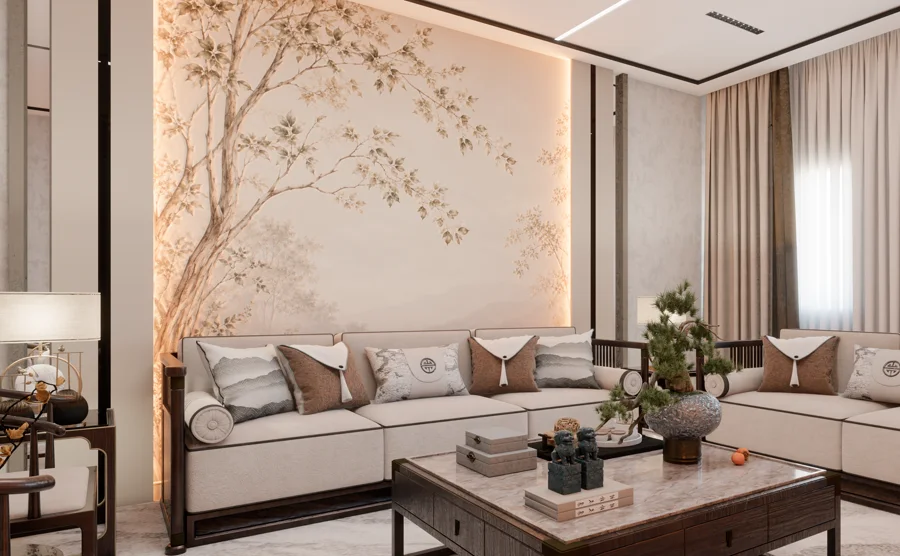
Architecture is glass and stone. Thin and thick glass, mirror, water with its own colour, metal and car paint are one click away, and a texture library of 298 sets in 20 categories dresses walls, floors and facades. The result reads as a building, not a model.
Frequently asked questions
Is Render Fun good for architectural visualization?
Yes: straight verticals, real sun from SketchUp, sections, 360° tours, animation and Before / After videos are made for architects, and it is free.
Can Render Fun handle large architectural models?
Yes: Smart Check cleans the model and "Leave out far, unseen objects" opens very large scenes much faster.
Does it use SketchUp’s sun and shadows?
Yes: by default the sun follows the time and date in SketchUp’s Shadows settings.