Human Field of View in SketchUp: Which FOV Looks Natural?
People search for “the human field of view in SketchUp” because a room that felt right in the head looks tiny or stretched on the screen. There is no single number that copies the eye, but there are good ranges, and there is one SketchUp detail that trips up nearly everyone: its degrees are vertical.
What is the human field of view?
With both eyes, we take in roughly 180–200° from side to side, but only a small central part is sharp and we build the scene by moving our eyes. A flat picture cannot show that whole width: the wider a straight-line perspective gets, the more it stretches the edges. So the practical question is not “what does the eye cover?” but “what looks natural on a screen?”
Does SketchUp measure field of view vertically?
Yes, by default. The default is 30–35° depending on the version, the allowed range is 1–120°, and the number describes the height of the view. In a wide window, you therefore see far more from side to side than the number suggests. Resize the window and the sides change, while the vertical stays.
SketchUp degrees, mm and real lenses
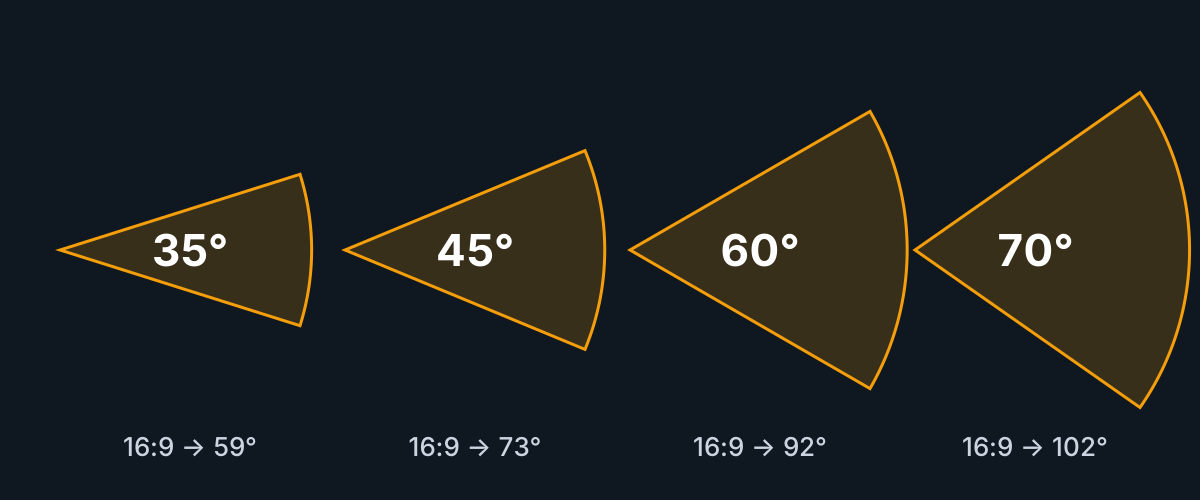
You can type millimetres too, but be careful: SketchUp’s mm value is not the same as a full-frame lens, because it applies a 36 mm image size to its vertical angle. Type 35mm and you get about 54° vertically, the view of a real 24 mm lens. To match a real lens, use degrees. Values below are for a 16:9 picture, rounded:
- 35° vertical = about 59° horizontal; SketchUp 57 mm; real lens about 38 mm.
- 45° vertical = about 73° horizontal; SketchUp 43 mm; real lens about 29 mm.
- 54° vertical = about 84° horizontal; SketchUp 35 mm; real lens about 24 mm.
- 60° vertical = about 92° horizontal; SketchUp 31 mm; real lens about 21 mm.
- 70° vertical = about 102° horizontal; SketchUp 26 mm; real lens about 17 mm.
What is the best field of view for SketchUp renders?
- Exteriors and facades: 30–45° from a good distance keeps proportions calm.
- Normal rooms: start at about 60°; it shows the room without stretching it much.
- Small rooms and bathrooms: up to about 70°, keeping furniture away from the picture’s edges.
- Details and furniture: 25–35° from further away, closer to a product photo.
If the room still does not fit, do not keep widening the angle. Move the camera back, or turn off a wall with a section plane or tag, as an interior photographer would love to do.
How do you change the field of view in SketchUp?
- Choose Camera › Field of View, or press Z for the Zoom tool.
- Type the value with its unit, such as
60 degor35 mm, and press Enter. - Or hold Shift while dragging with the Zoom tool to adjust it by eye.
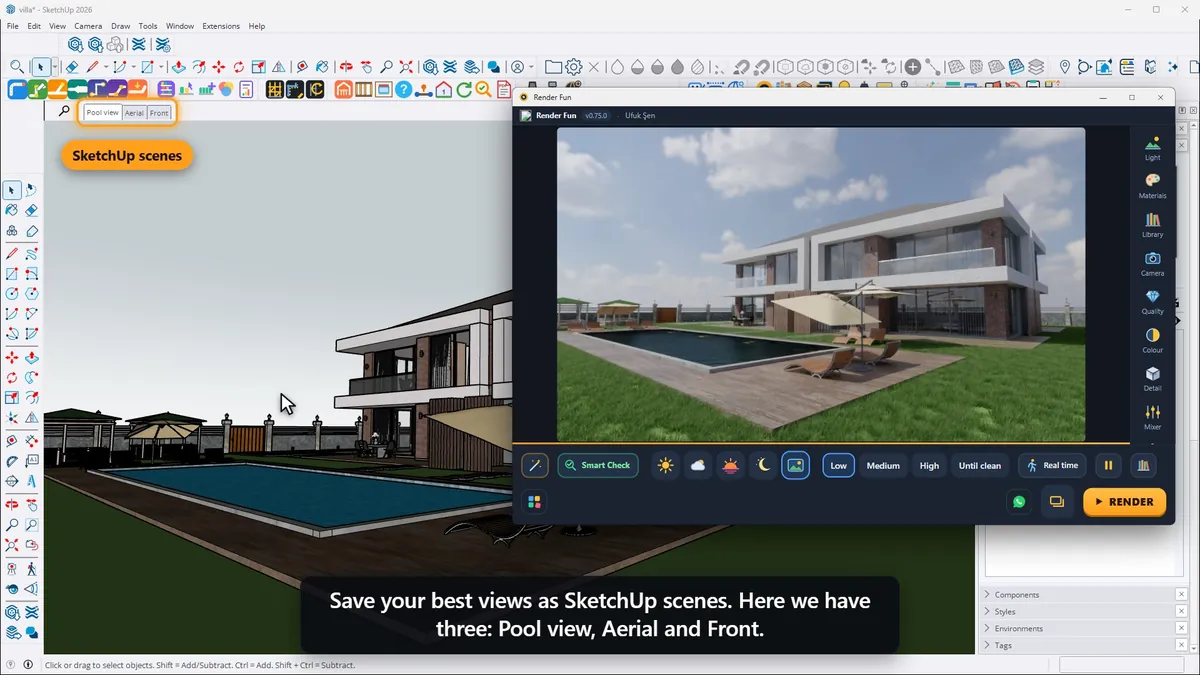
- Save the view as a scene, so your angle is kept.
Eye height and straight verticals
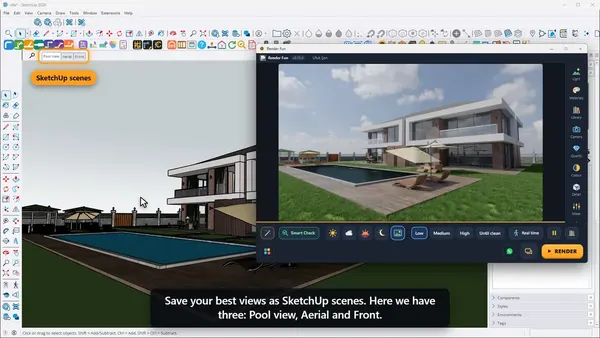
The angle is only half of “human”. Put the camera at about 1.5–1.6 m for a standing view and about 1.1–1.2 m for a seated living room view, and keep it level. A tilted camera makes walls lean; in SketchUp, Camera › Two-Point Perspective corrects this. In Render Fun, “Straighten verticals” in the Camera panel does the same for the render, and its depth of field, horizon line and rule-of-thirds grid cover the rest. Render Fun uses SketchUp’s own camera, so the angle you set is the angle you render. Try it in Lesson 3: camera and composition.
Frequently asked questions
What FOV is closest to human vision in SketchUp?
No flat picture matches the eye, but about 45–60° vertical looks natural for most views. Use wider only for small rooms.
What is SketchUp’s default field of view?
Between 30° and 35° depending on the version, measured vertically.
Why do my interiors look stretched?
The field of view is too wide, or objects sit near the edges of the picture. Lower the angle and move the camera back.
Is 35mm in SketchUp the same as a 35mm camera lens?
No. It gives about 54° vertically, which is close to a real 24 mm lens on full frame.