Can SketchUp Render Without a Plugin? What SketchUp Does on Its Own
Short answer: SketchUp can export a nice image of its viewport, but it does not calculate a photo-real render by itself. That is not a flaw; SketchUp is built for modelling. The useful question is how far its own view takes you and when a client image needs more.
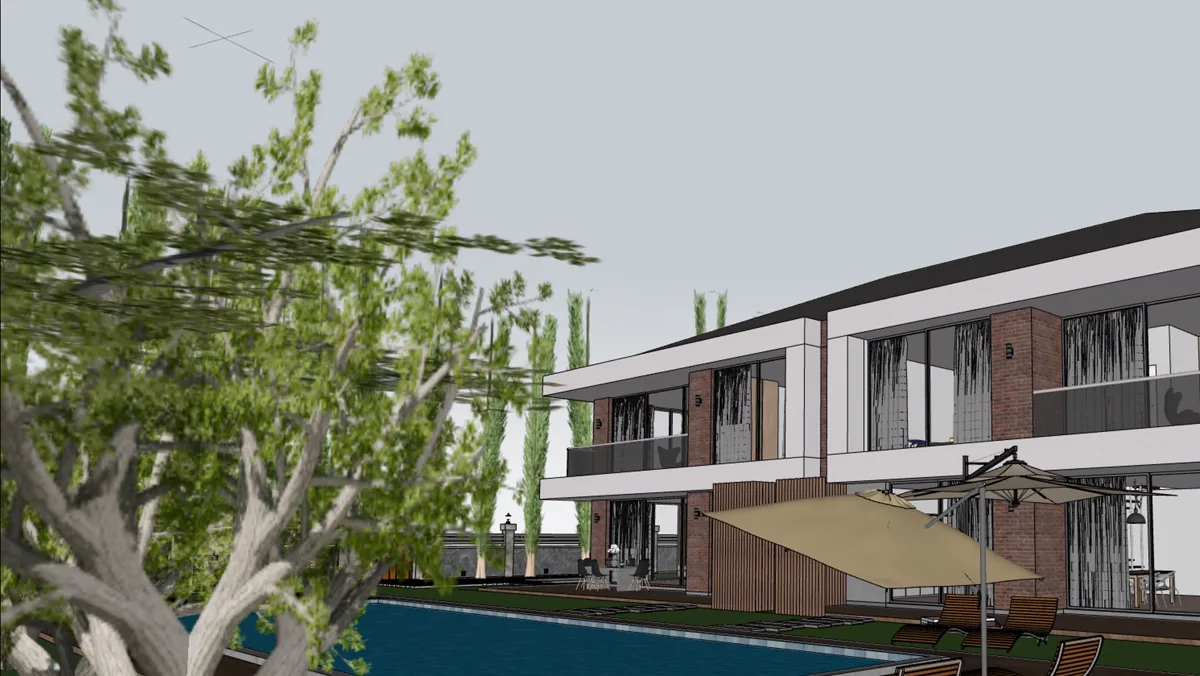
What can SketchUp do without any plugin?
- Styles: sketchy edges, flat colour or textures for concept presentations.
- Shadows: real sun position by date and time, useful for sun studies.
- Ambient occlusion: a face style that darkens corners and contact points; SketchUp 2026 added more control over it.
- Materials and environments: recent versions show richer materials in the viewport.
- 2D image export: File › Export › 2D Graphic saves exactly what the viewport shows.
For an early design meeting, this is often enough, and a clear sketchy image can even be better than a half-finished render: it says “this can still change”.
What is missing compared with a real render?
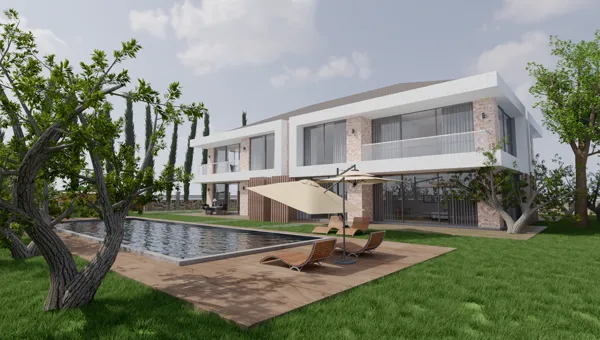
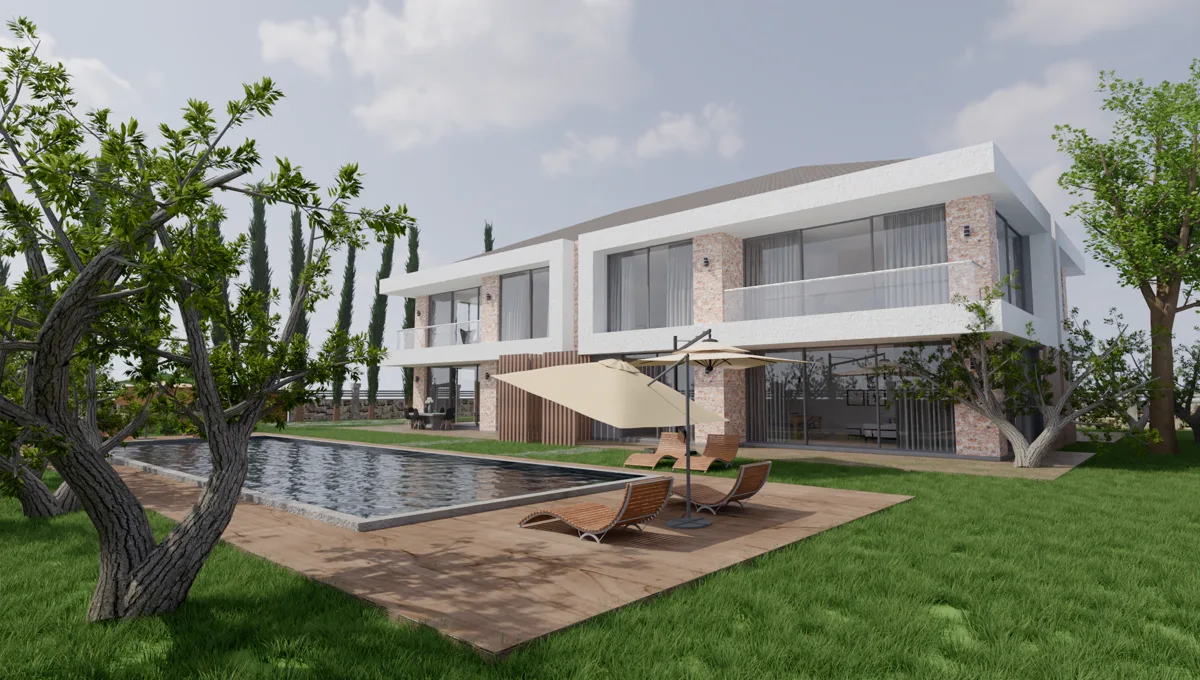
The viewport draws the model quickly so that you can keep modelling. A render engine works differently: it follows light as it bounces around the room, passes through glass and reflects off the floor. That difference is what the eye reads as real.
- Bounced light: daylight reaching the back of a room and colouring the ceiling.
- Glass and water: real refraction instead of a see-through surface.
- Soft shadows: edges that blur with distance, from lamps as well as the sun.
- Lamps: SketchUp’s shadows come from the sun; a lamp model gives no light by itself.
What about AI rendering in SketchUp?
SketchUp’s AI Render, formerly SketchUp Diffusion, turns a view into a generated image from a text prompt. It is good for trying moods quickly, but it invents details rather than calculating your model: furniture, windows and proportions can change between images. It also needs a paid SketchUp subscription, an internet connection and credits. When the image has to show your actual design, a render engine stays with your geometry.
When do you need a render plugin?
- Own viewport is enough: massing studies, sun studies, internal design meetings.
- A plugin is needed: client presentations, interiors, night scenes, marketing images, anything showing glass, water or lamps.
A plugin no longer has to mean a new budget. Render Fun brings GPU-based path tracing into the SketchUp window, free, on SketchUp 2021–2026 for Windows. See how to render in SketchUp step by step.
Frequently asked questions
Does SketchUp have a built-in renderer?
It has a real-time viewport with styles, shadows and ambient occlusion, but no photo-real path tracer. For that you add a render plugin.
How do I save an image from SketchUp without a plugin?
Use File › Export › 2D Graphic in the desktop version and set the size in the options.
Is there a free way to render in SketchUp?
Yes. Render Fun is free for personal and commercial work, with no account and no licence key.